Microsoft European Forum 2012 in Lisbon

      7 Comments on Microsoft European Forum 2012 in Lisbon

Following the UK Forum back in November, as one of the UK finalists I had the honour and privilege of being invited to the European Forum last week in Lisbon along with the rest of team GB, being Ray Chambers, Katie Boothman and Lindsay Purdon. It is difficult to know where to start with this blog post as I have seen and done so much during the week so I’ll break it down day-by-day.

Day 1 – 20th March
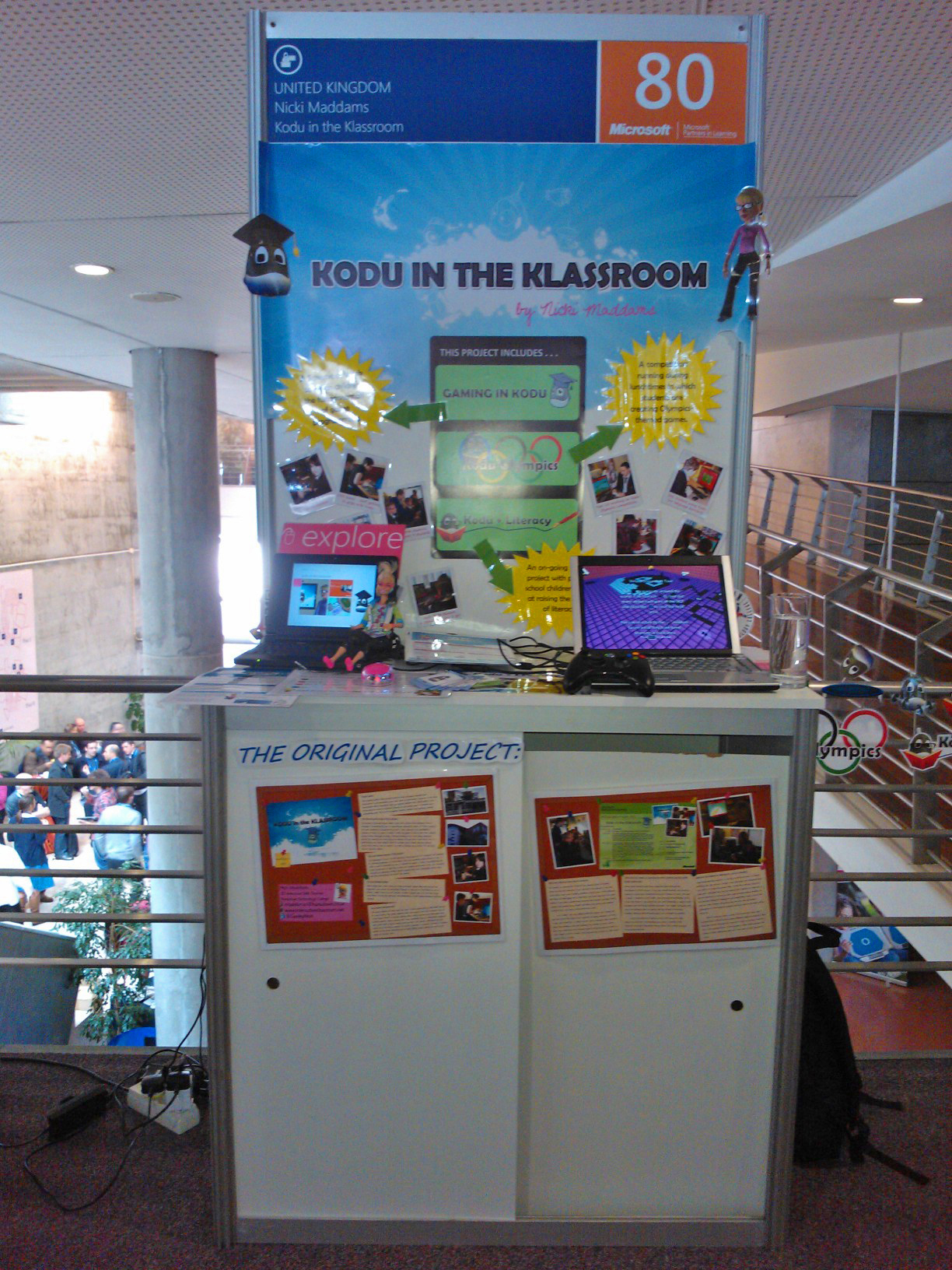
The day began with us frantically preparing our stands ready for the judging of our projects to begin. Once they were set up it was straight into the opening of the forum and keynote speech by Anthony Salcito who gave an interesting talk about the information age we are living in and changes for the future, we then learnt about some free tools from Microsoft that can be used to enhance learning in school, links to these are as follows:

  • Chronozoom – Zoom in and out of an interactive timeline.
  • Montage – Allows you to create a visual album of the web on topics of interest.
  • Socl – Social networking and searching mixed together to enable students to share interesting web pages.
  • Docs.com – Allows you to create Word, Excel and PDF documents for free online and share them on Facebook.
  • Digital narratives – Video narratives that are interactive.

After this I met with one of my judges to tell them about my project, following this and lunch we had the opportunity to choose our own workshops:

SHOUT (Mandeep Atwal)- Which is a global education initiative offering webinars and projects for both educators and students, Mandeep talked about their current focus being water, inviting other educators to get involved with projects in their schools. For more information check out their website here.

Innovative Teaching (Kirsten Panton), Kirsten talked about the role computers play in teaching.

Engaging Students (Gareth Ritter),  I found Gareth’s talk very inspiring as he talked about yet more free software from Microsoft, being Microsoft Learning Suite, which includes all of their free software for education. Gareth mentioned two in particular being, Songsmith which allows students to create backing tracks for songs and Cliplets, which allows you to freeze part of a video while keeping another section moving.

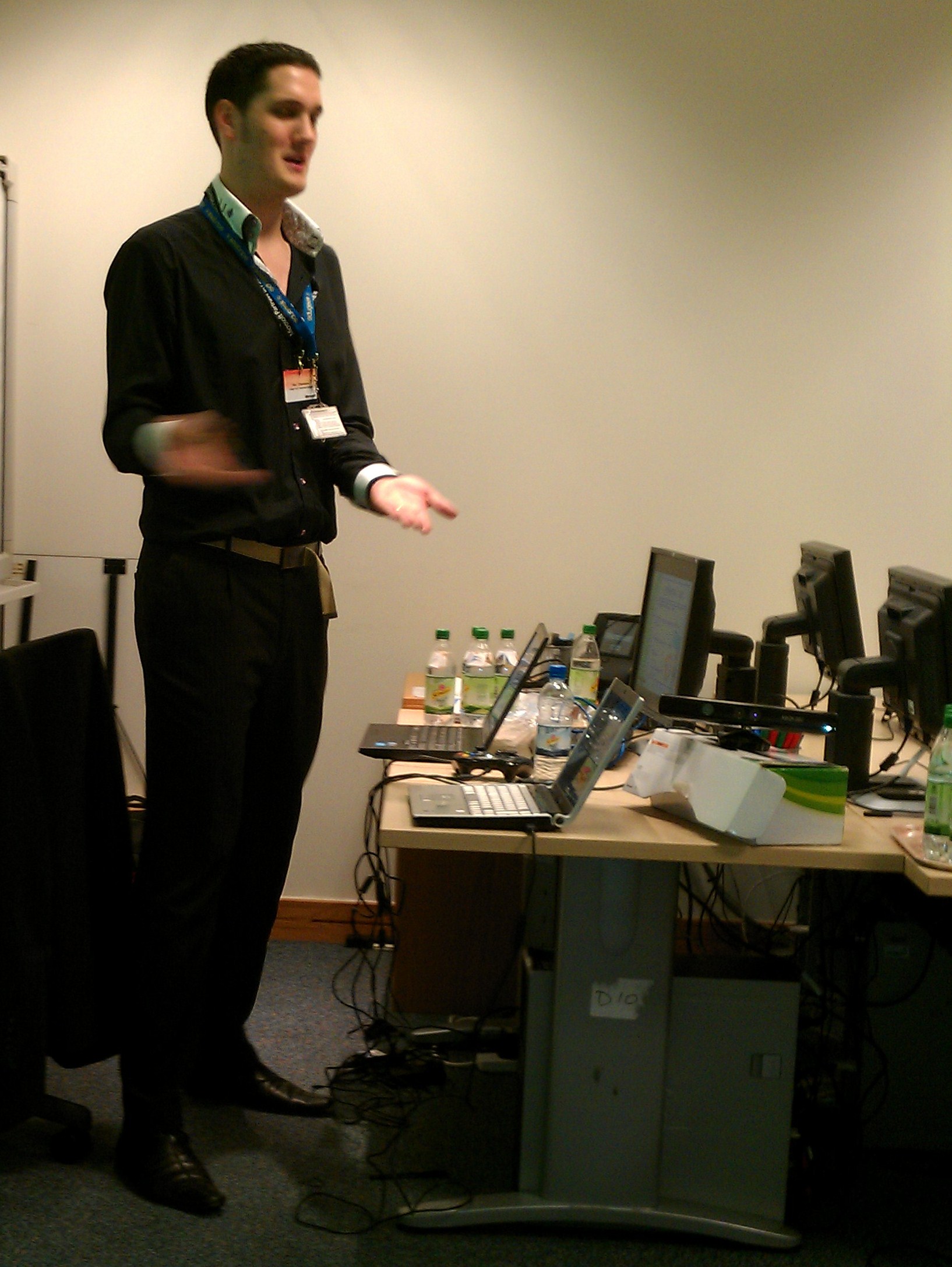
Gareth also mentioned the use of Kinect in the classroom, in particular the work carried out by the K-Team, metioning Ray Chambers and David Renton. He also very kindly mentioned the work I have been doing with Kodu.

Following the workshops we were given a plenary to the day by Stuart Ball and Ben Nizzar from Microsoft, talking about the use of Office tools within the classroom. Firstly there was the Math worksheet generator which is a maths add in for Word that automatically creates maths work sheets once you input a type of question you want to use. Microsoft Mathematics is another free tool that gives you the functionality of a scientific calculator on your computer as well as the ability to plot graphs.

Ben also talked about the use of Smart Art in Office software to display information in a more visually appealing way and also the use of references in Word to create and format a bibliography.

Ben then showed us how to use Presenter mode in PowerPoint so you can view your notes at the same time as showing your presentation, which I know will come in very handy (embarrassed to admit I didn’t realise this existed!)

We were then introduced to Mouse Mischief, this allows you to create a quiz within PowerPoint and have multiple mice connected for the children to use to answer the questions.

The next fantastic free tool that I am eager to try is Ribbon Hero which is an interactive game that teaches children to use Office tools but in a fun and intuitive way. I am looking forward to trying this with Year 7 in my school and maybe run it as a competition between them.

Finally from Ben we were given a preview of Windows 8 which has looks superb, with a visually appealing interface designed around using a table. I downloaded the consumer preview to try on my net-book and have to say I’m very impressed. The final release is due in the Autumn.

Stuart then took us through the use of OneNote as  “a digital piece of paper” used to display a project, write, type and record voice and video. It even allows you to search within audio, I’ve been a fan of OneNote for a long time but haven’t used it with the students in my class, I’m hoping to now turn it into an interactive project folder with my Year 8 class and may even try audio marking!

Day 2 – 21st March

Day 2 began with a fantastic key note speech from Bruce Dixon from ideasLAB who talked about innovation in education along with the use of technology, used correctly, in the classroom.

Following Bruce was the inspiring duo of Liv Arnesen and Ann Bancroft who were the first women to conquer the poles, in 1991 Liv became the first woman to ever ski solo to the South Pole and in 1986 Ann dogsledded 1,000 miles from Canada to the North Pole. They talked about the expedition they are running in 2012 which will see a group of eight women, representing each continent, take an 800 mile expedition to the South Pole. They are hoping to unite 2 million classrooms in following the expedition. For more information check out their website and follow them on Facebook

Following the keynote speeches we then had another morning of judging before visiting a school in Lisbon, the school itself was beautiful and a particularly interesting feature of the school was that on Wednesday afternoon’s students finish early and are given the opportunity to join extra-curricular sessions, for example we saw a robotics activity and “Amazing Maths”.

Day 3 – 22nd March

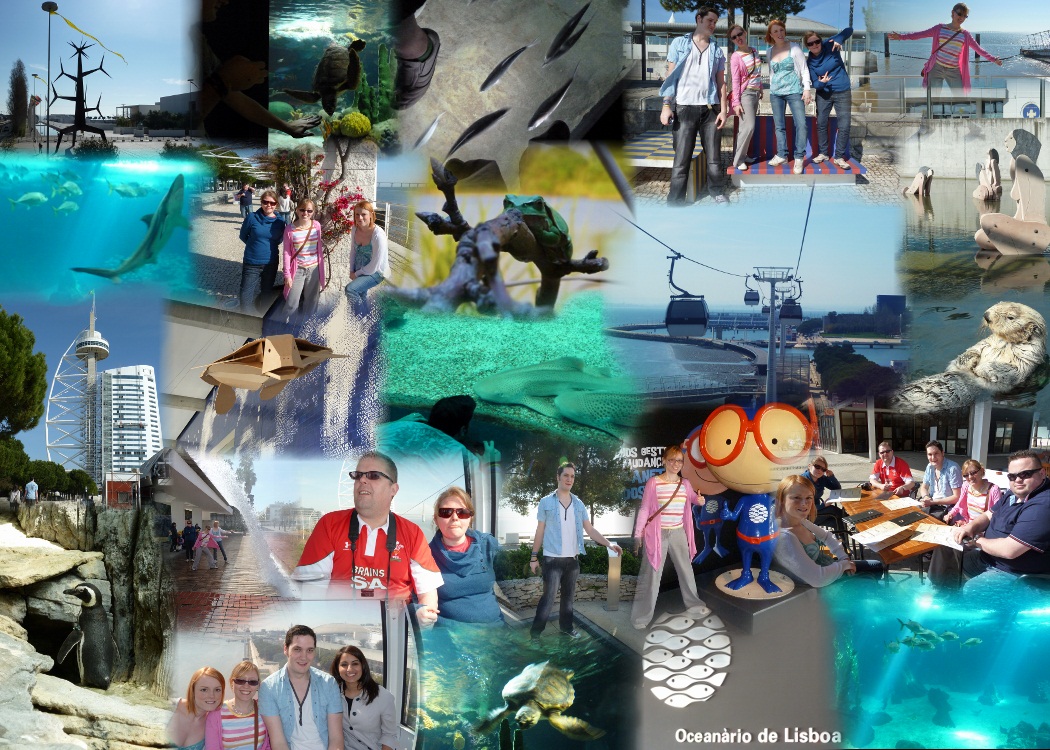
On the final day we had a slightly easier start, which began with a morning of sight-seeing. Looking after team GB was Stuart Ball from Microsoft and Gareth Ritter, last year’s winner.  We began our excursion with a trip along the river and a ride on the cable cars, followed by a visit to the aquarium which was huge! I made an autocollage of our outing below:
The final closing keynote was delivered by a previous winner, Rui Lima who talked about being equipped for the classroom, one interesting point for me was his use of Kodu, and children creating videos to teach others how to use various features of Kodu.
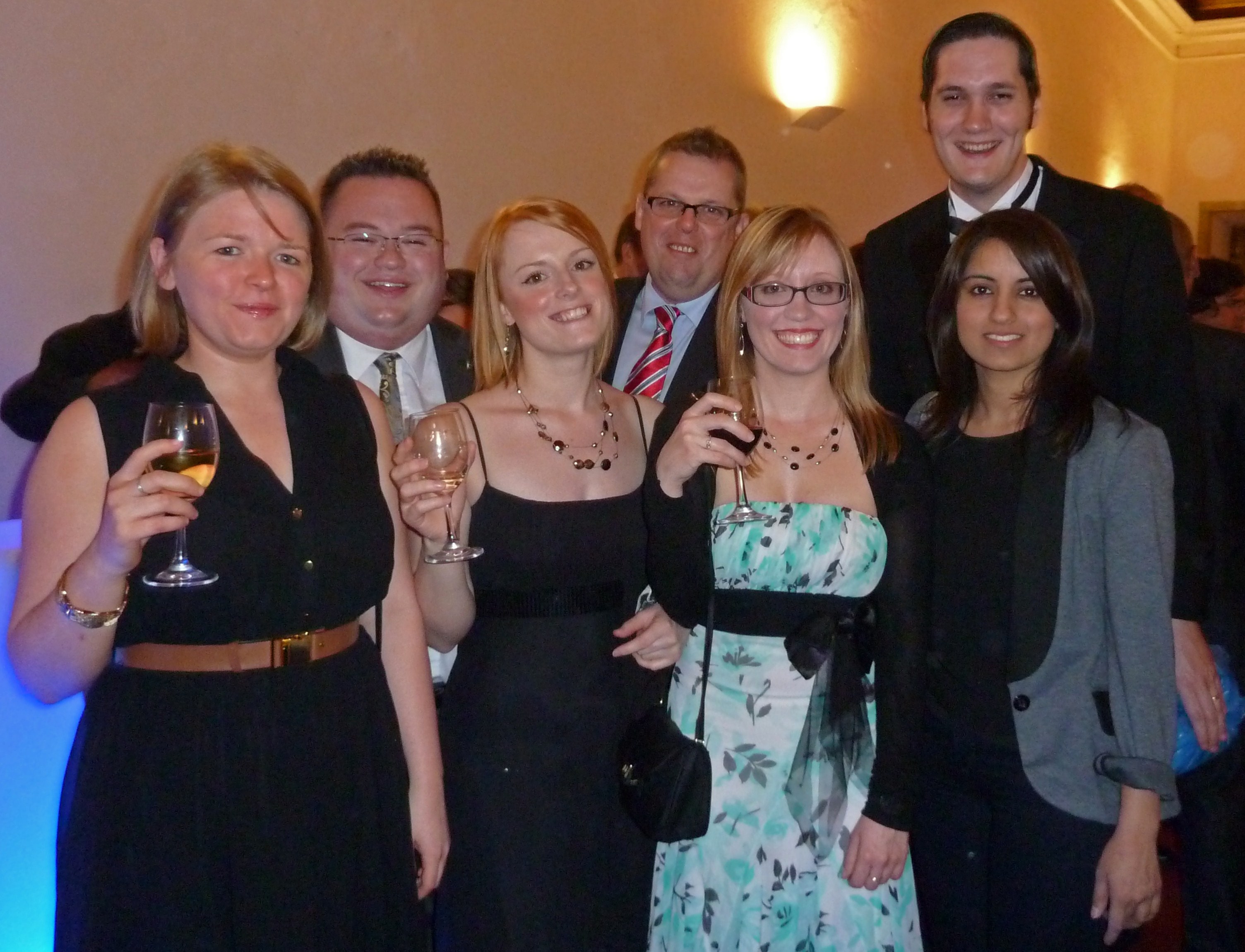
The event closed with the Gala Dinner in the evening and it was quite a novelty to arrive onto a red carpet at the beautiful Convento do Beato, one of the largest convents in Lisbon. Following a three-course meal the awards were given out and presented. The UK had one winner, Katie Boothman, who won in the “Extended Learning Beyond the Classroom” category for her fantastic work on the HIT Squad, you can view her VCT here. She will now be going to the worldwide forum in Greece. Following the awards we danced the night away and sang our way back to the hotel on the coach. A great way to finish off a fantastic week. Thank you Microsoft for giving me such an amazing opportunity!

Kodu and Literacy Primary Project

      1 Comment on Kodu and Literacy Primary Project

Today I started my Kodu and Literacy project with children from a local primary school. I began by teaching the children how to use the terrain tools in Kodu to create a world. The goal of the project is for them to design and develop their own literacy-style/storytelling games.

Next week we will be programming characters to talk to each other to form a treasure-hunt style game with the children adding the dialogue between the characters and objects.

Following that they will design and describe their own worlds before making them, then plan their game content and a storyline and characters for the final game. We will conclude the project with the children developing the games they have designed using Kodu.

Throughout the project the children will be blogging about the progress they are making each week. We have made a start already with a class entry written at the end of today’s session. You can check out our blog here.

For more information about the work I have been doing with Kodu, check out my Virtual Classroom Tour that I will be showcasing at the Microsoft European Forum in Lisbon.

BETT 2012

      1 Comment on BETT 2012

Well, I have now recovered from a very enjoyable, and a little exhausting, three days at BETT, although my voice is still a little croaky! As some of you know I was demonstrating Kodu on the Microsoft stand last Wednesday to Friday at the BETT exhibition in London. I really enjoyed the whole experience and it was great to chat to lots of like-minded educators, I’m really pleased with how popular Kodu seems to be and hope lots more teachers start using the software in their classes as it really is fantastic!

For anyone looking to get started using Kodu, it can be downloaded from here. I also made a tutorial video a while back that gives an introduction on how to create a simple game which can be viewed below:

http://youtu.be/fRdfBico590

Lastly, if anyone would like to try out some of the sample games I was demonstrating at BETT these can be downloaded using the links below (please note, these are just samples and not fully completed games):

I will be starting my Kodu Olympics competition in school tomorrow so will write another blog post shortly on how that goes.

Kodu Quiz Game

      5 Comments on Kodu Quiz Game

When presenting at the Microsoft Partners in Learning forum, I was asked if it was possible to create a quiz-style game using Kodu. At first I thought this would not be possible but after giving it some more thought, I realised that this is actually fairly straight-forward. After reading this blog post from Alfred Thompson I thought using a tagged conversation was the way forward. However, I decided to simplify this by just listening for a particular button to be pressed. In my game players can answer multiple choice questions using A, B, X or Y on the gamepad.

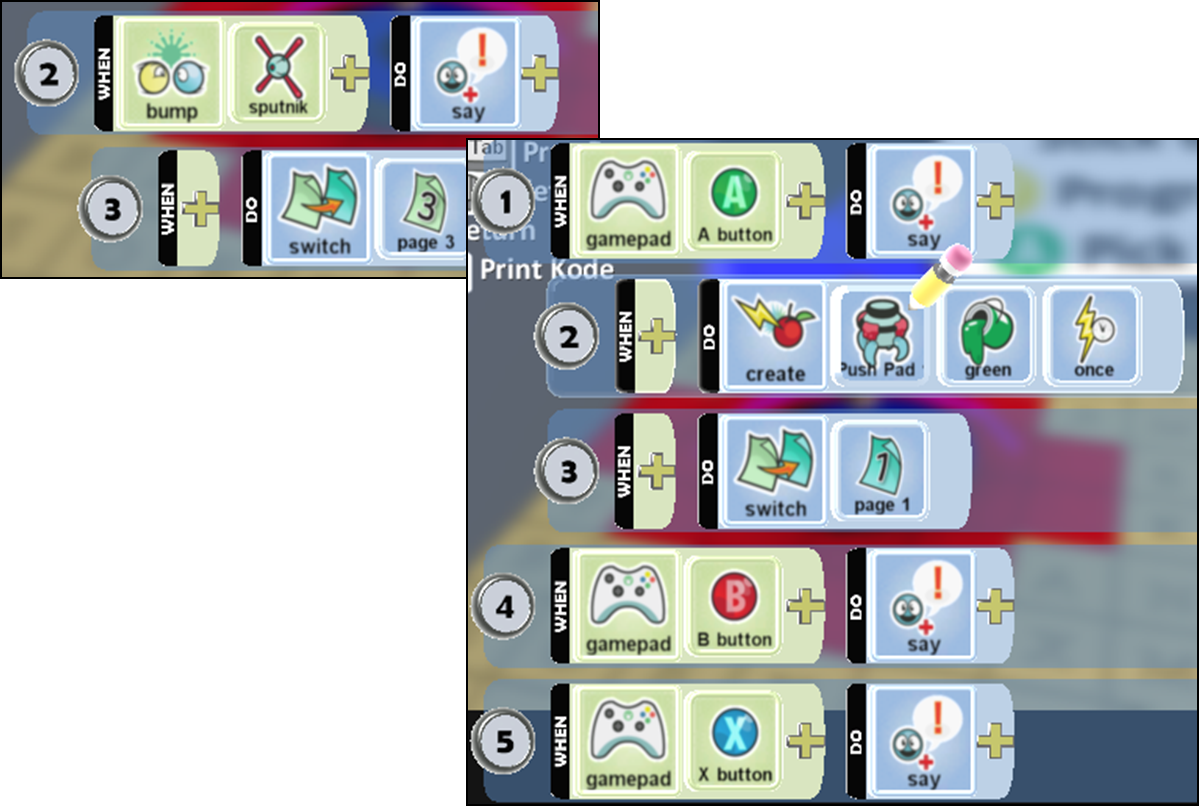
The screenshots below show pages 2 and 3 of the character (Stick) who asks the question when bumped into by the player (Sputnik):

First the Stick asks a question then goes to Page 3. On this page it responds to the answer pressed on the gamepad. In this example the correct answer is given with the A button, in which the player is awarded with a pushpad (key) for the next part of the game. If the player gives a different answer the Stick will respond telling them they have the answer wrong and to try again. In my game I allow the player to have as many guesses as they like but this could be changed to make the game more difficult.

Currently the game does have a couple of bugs, one example is that the sticks are supposed to be closed until their key has been collected but this only seems to work sporadically and I haven’t quite figured out why?!

You can download the game here. Please feel free to try it out, use or adapt in any way!

For more Kodu demonstrations I will be on the Microsoft stand (D40) at BETT from 11th to 14th January.

Microsoft Partners in Learning Forum

      1 Comment on Microsoft Partners in Learning Forum

As I sit here on a Sunday afternoon, relaxing after a fantastic and overwhelming few days I wanted to share some reflections on the fantastic conference that was the Microsoft Partners in Learning Forum.

This was my second year attending this wonderful, and free, event and I was quite relieved by the lack of snow for my travels home this year!

Innovative Teach Meet on Wednesday #itmeet

I arrived in Reading in time for the Innovative Teachers meet on Wednesday evening that took place in the Royal Tandoori restaurant. In this meeting we were treated to a variety of  short presentations on various practices involving the use of technology. We saw presentations on the following:

  • David Rogers, talking about the development of a Mobile Learning Policy and how students assisted with the development of this through chalk graffiti around the school. You can read more about this on David’s blog here.
  • Oliver Quinlan gave an insight into how Twitter and blogging is being used with PGCE students at Plymouth university.
  • xQuiz, a quiz game that has been developed using Xbox controllers where students press the coloured button corresponding to the correct answer in a quiz.
  • Finally, we heard from Julia Skinner talking about her 100 word challenge which you can read about on her blog here.

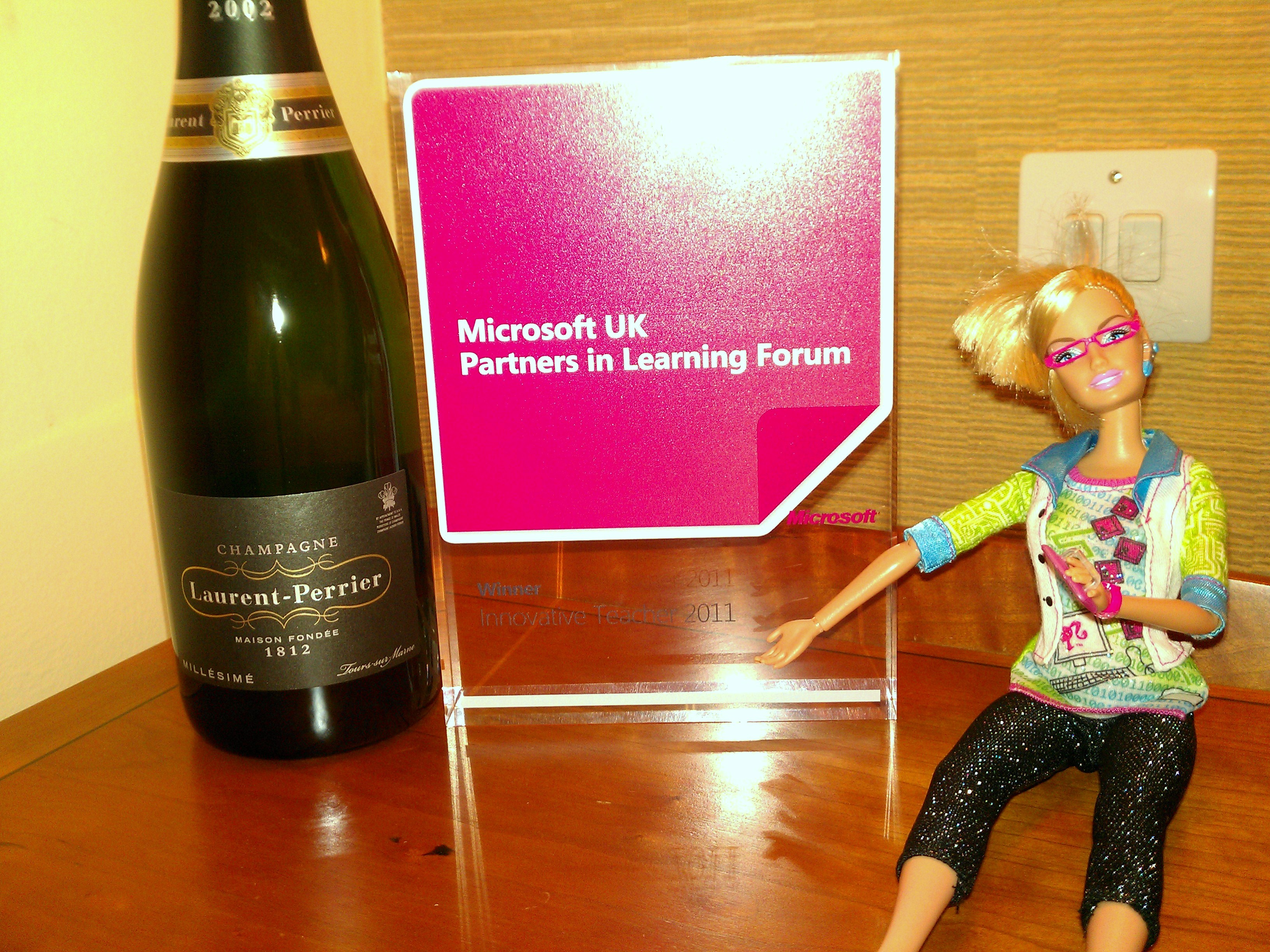
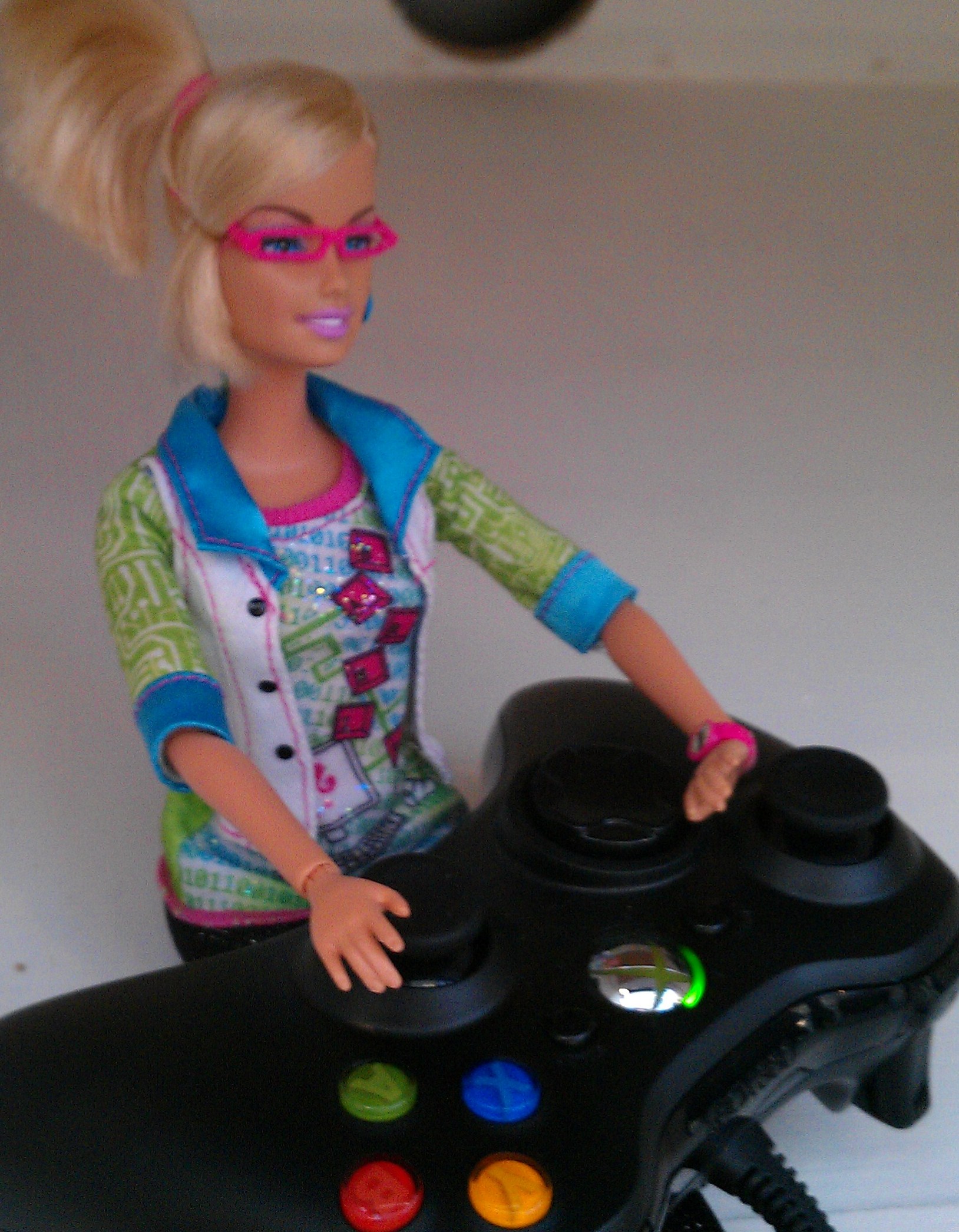
At the end of the evening, Stuart and Dan presented the ten prize winners of the Innovative Teacher Awards with beautiful glass awards and bottles of Champagne, it was a true honour to be one of the ten and I allowed GeekyBarbie to look after my award back at the hotel later.

Partners in Learning Forum on Thursday #mspiluk2011

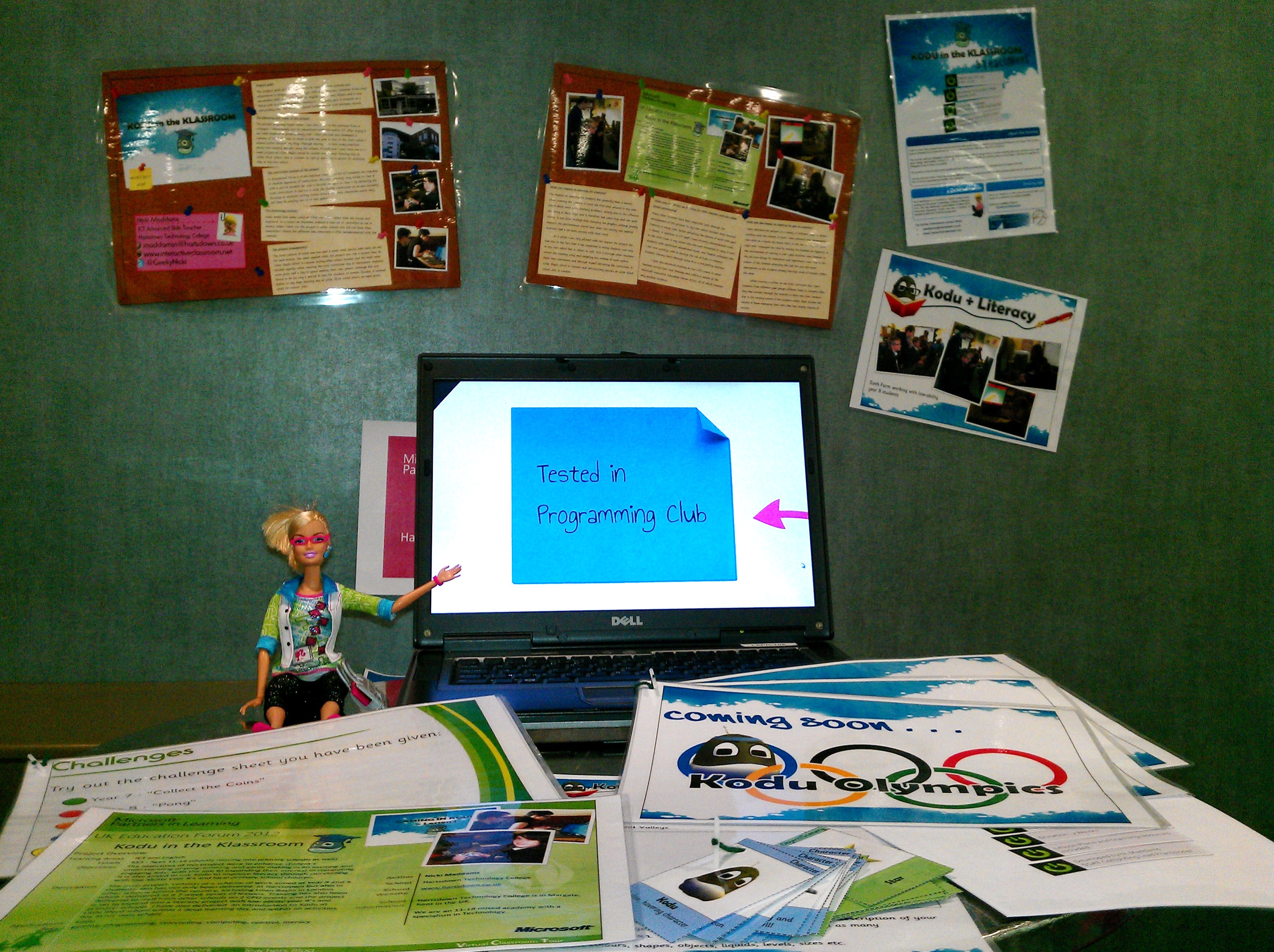
On Thursday I arrived at Microsoft TVP shortly after 8am to set up my stand to display my project, once this was set up I left GeekyBarbie in charge while I headed upstairs to prepare for my workshop on Kinect and Kodu which I was running with Ray Chambers  (@Lanky_Boi_Ray).

Once I’d set up my laptop in the workshop room I hurried back downstairs to chat to the many delegates about my Virtual Classroom Tour on the use of Kodu. I was surprised by how many people were interested in my project and what I had to say. I made lots of contacts during this time, as well as at breaks and lunchtime.

Before the workshops began it was time for the keynote speakers and first up was Ian Livingstone and I have to say I was in awe throughout most of his speech. Firstly he is the co-author of the Fighting Fantasy series of books, of which I read many as a child, in fact they are probably still sitting in my mum’s attic! During his talk he gave a journey through the history of computer games and it was fascinating to be taken back in time to some of the games I remember from my childhood, including those on the infamous Atari! He talked about his work with Domark Games and then with Eidos and his contribution to Tomb Raider, showing a video of the newest version of the game to be released next year:

As you can see, the graphics are phenomenal and at first I struggled to work out whether these were real or CGI! This led into the discussion of the skills gap created by ICT education in the UK, and how STEM skills should really be linked to art in order to make young people more employable if they wish to progress into a career in visual arts and special effects, whether it be for games or film.  He made some very interesting points about how we should be teaching more computer science in classrooms and not just how to use the applications (which can be taught in a fairly small amount of time). I felt totally inspired, listening to him. You can read more about Ian’s proposals with NESTA here.

Next up was Ollie Bray, whose blog I have been following for a while, and I was very excited to be hearing from him in person. He talked about how he had been using games in the classroom to engage students, firstly with how Sim City could be used within Geography and then the use of Guitar Hero, which was used as a “hook” to engage primary school students to work together on a transition project in teams, bringing together a variety of curriculum subjects. This was another truly inspiring key notes speech and has given me some ideas for projects to use my Xbox in school . . . watch this space!

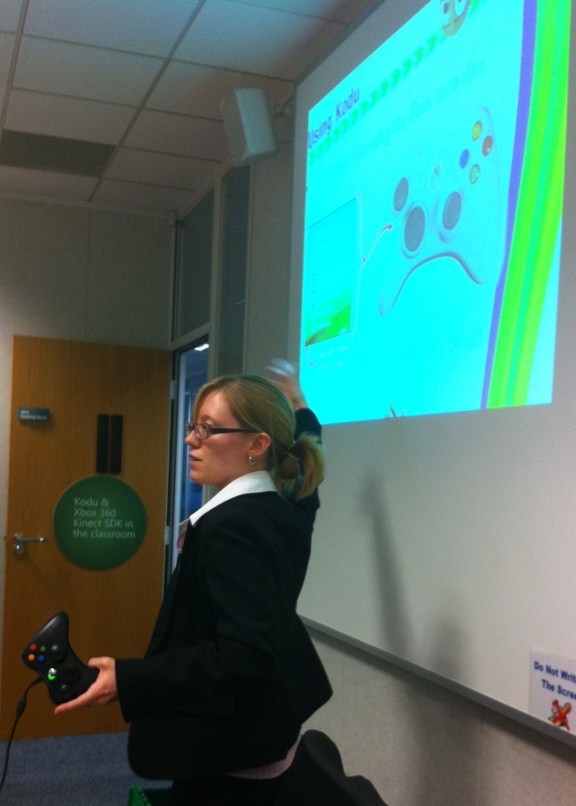
Next it was time for the workshops, and I worked with the fantastic Ray Chambers, delivering a workshop on Kinect and Kodu. I delivered the first half, talking about and demonstrating how Kodu can be used in both ICT and as a tool to enhance Literacy. Then Ray talked about how he had been using the Kinect to engage his students when delivering his unit on databases and how it had progressed from there, he has also developed software for teachers of other subjects (particularly music) on request, which I find totally amazing, I don’t know how he finds the time! He’s such a nice guy. He gave a great hands-on session, giving everyone a chance to program their very own Kinect application using C#, with most of the delegates doing so successfully (even with no previous programming experience!)

At the end of the day we gathered in the auditorium where Stuart Ball talked about the excellent Partners in Learning network, which is truly brilliant and has had a huge impact on my teaching over the last couple of years. He then began to announce the four winners of the UK Innovative Teacher awards and I was totally gobsmacked to hear my name called out alongside Ray Chambers, Katie Boothman and Sarah Coombes, we each received an Xbox for our schools and an invitation to the European awards in Lisbon. It was such an overwhelming and amazing experience, I was literally shaking with excitement afterwards!

This amazing day was brought to a close firstly by Alex Bellos and his adventures in numberland, here he talked about Chinese Maths and demonstrated how to multiply numbers by drawing them as intersecting lines, it was incredible and I’m eager to show it to my maths department in school.

Lastly we heard from Taking it Global and their work as a social network bringing young people together to look at global issues.

Thank you, once again Partners in Learning, for another fantastic and inspiring event!