
I recently had the pleasure of attending the Playful Computing Conference from Digital Schoolhouse. It’s been a while since I attended a conference as a delegate so was very excited for an fun-packed day of learning!
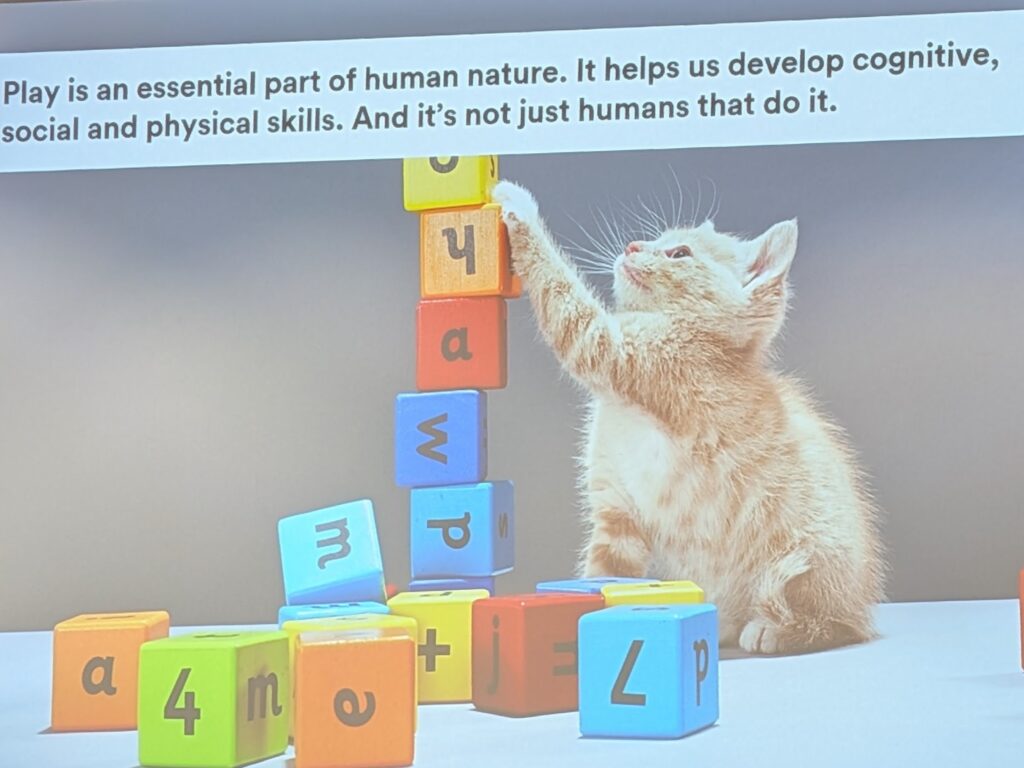
The day kicked-off with an inspiring keynote by Shahneila Saeed from Digital Schoolhouse highlighting the importance of play, following this Estelle Ashman got the whole room up playing a cat and mouse game together around the auditorium! It was great fun and demonstrated an entertaining activity to run with students in which they unpick the rules of the game as well as adding new rules; a lovely introduction to discussions on game design principles which enable players to unpick:
- The game character
- Game mechanics – rules to play the game
- Protagonist/antagonist – hero and villain
- End game state – how does the game end?
- Who wins? – how does the player win?
- Iterative design – playing again and adding more features
I wish I had seen this example15 years ago before I started teaching game development in schools as it’s definitely something I would add now. Next time I deliver a gaming workshop, I’ll definitely be including something similar.
The day ahead offered a wide range of sessions to choose from, in fact so many, I struggled to choose! The ones I opted for in the end were:
- Session 1 – Climate Schools Programme by Engineering UK
- Session 2 – Eco Gamer by Estelle Ashman
- Session 3 – Using Unreal Engine in the Classroom by James Butcher
- Session 4 – Flock XR by Flip Computing
- Session 5 – Learning on Roblox by Tim Scott
Climate Schools Programme by Engineering UK
In this session I learnt that Engineering UK has a range of free resources for schools to download and use to enable them to teach climate related projects on school, the good thing about these resources are that they are aligned to the National Curriculum and range across various subjects, such as geography, maths, science and English. They are currently still developing computing resources in this area.
We were also pointed towards a useful app, Neso, which allows you to look up the current carbon free energy usage across the UK, it was surprising to learn that during the session, the UK was as high as 78%!
Something I particularly liked was the highlighting of careers within their resources so students get an idea of where the skills and projects are leading.
Eco Gamer by Estelle Ashman
Similar to the previous session, one of the first points highlighted careers in the game industry with a One Minute Mentor video to highlight a tech career – the example we were shown was an interview with Natalie Cooke who is Operations Director at SEGA. It was really interesting to hear about a role directly from somebody in the industry, you can check out the full range of One Minute Mentor videos here. These are a really useful tool for highlighting key careers to students, without being too long or in-depth.
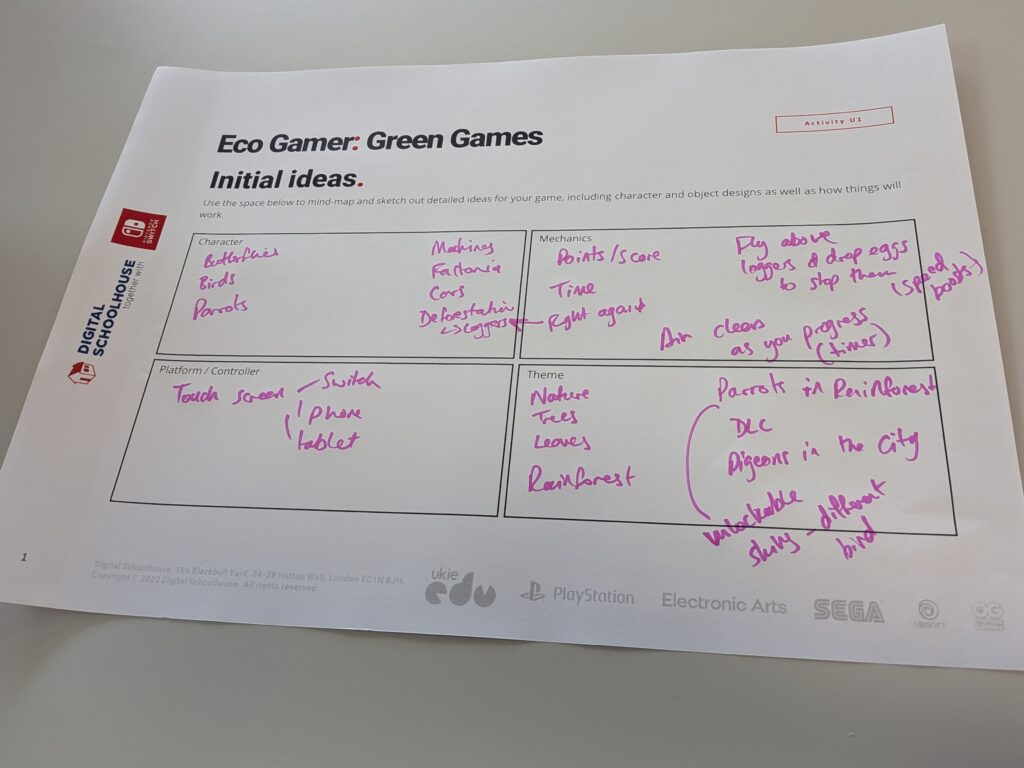
Following this we were led through a practical Game Jam task which was inspired by the Mobo Game Jam. We were given the brief to:
Develop a short game or game idea that promotes clean air and helps players to understand the importance of taking positive action against climate change.
As a team, our table worked together to generate initial game ideas before coming up with our brand identity ready to design some eco-friendly packaging. I really liked how we were taken through the steps of the game jam as learners rather than just being told about how it worked! We were also introduced to Construct 3 as a tool for creating games, which looks really interesting (I’ll save that for a later blog post!) I honestly could have happily spent the rest of the day, planning and developing our game! I’ve done game and app jams/workshops in the past in school and always loved how much could be achieved when having a whole day to work on a project compared to spreading it out across multiple lessons! Here’s a link to a previous post about a girls’ game day I put together many years ago and a Koduthon at Microsoft HQ.
Digital Schoolhouse provide loads of free resources on their website to help you get started, including recipe cards to carry out various activities within Construct3.
Using Unreal Engine in the Classroom by James Butcher
The main focus of this session was the educational use of Fortnite, which I was really happy about as I have not really explored Fortnite before and hadn’t realised the extent of its educational merit, until now!
I love gaming and it was interesting to see some recent statistics (albeit American) that 46% of players are female which is much more balanced than it used to be. The study also showed that 65% of Americans play video games at least once a week. I’m going to dive into some more statistics myself in my next blog post.
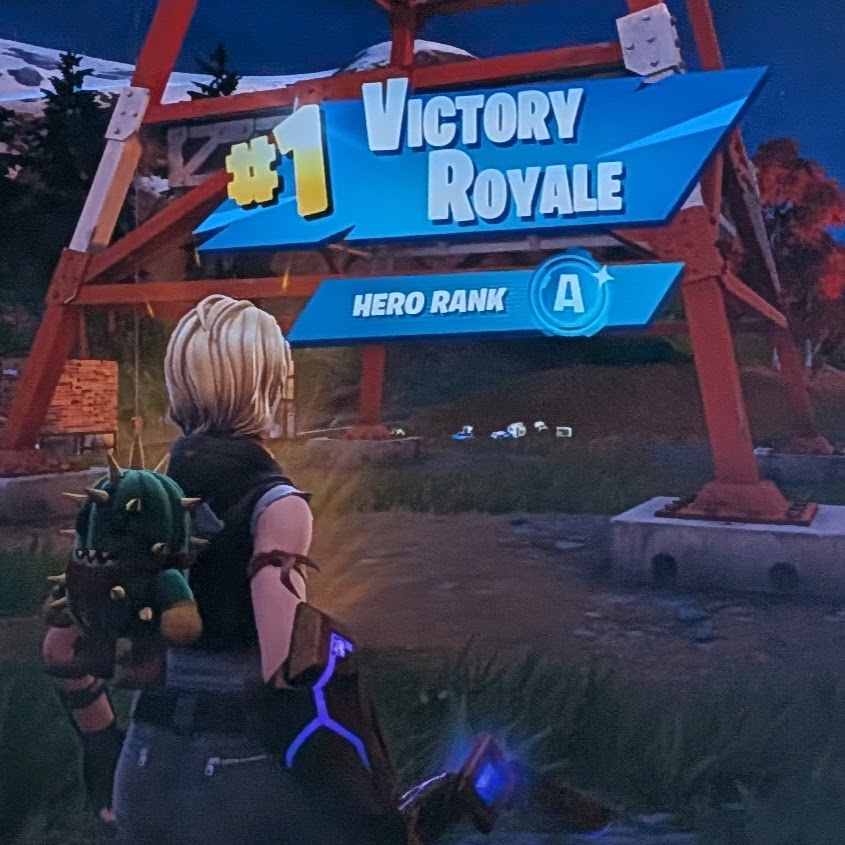
This session was really interesting as I learnt there are two creative aspects to Fortnite in addition to the standard, Battle Royale game itself. Firstly, available for anyone who has the game (which is free) is a creative mode where you can create your own island and build it up to look however you like, I showed this to my nine year old son after the conference and he loved building his own little world. In addition to this, you can then use Unreal Editor for Fortnite to edit this world and create your own mini games within the Fortnite eco system. Fortnite is no longer just a standalone game but a whole platform for developing and publishing your own games. I’ve since explored this at home and it would be really easy to take you down a rabbit-hole at this point but I think it may deserve its own blog post at a later date! Of course, I had to have a go at the standard game and eventually, after three tries, I managed to be the last person standing! (A new level of Mummy-respect was earnt!)
Epic Games have also developed a range of educational resources for using Fortnite in the classroom and there’s even content relating to the UN SDG goals and a specific Lego Fortnite Playbook called Coding for Climate.
Additionally, we were introduced to Reality Scan, a mobile app for scanning objects in 3D, I’ve had a quick play with this and it looks really good, it’s also free! With this, I believe you could scan objects and add them into Unreal Editor for Fortnite so they can exist in your virtual island! I’ve yet to try this though.
The final tool James shared was Metahuman, another free tool, in which you can create life-like digital humans for use in games and animations. I haven’t had chance to fully explore this yet but it looks very cool!
Flock XR by Flip Computing
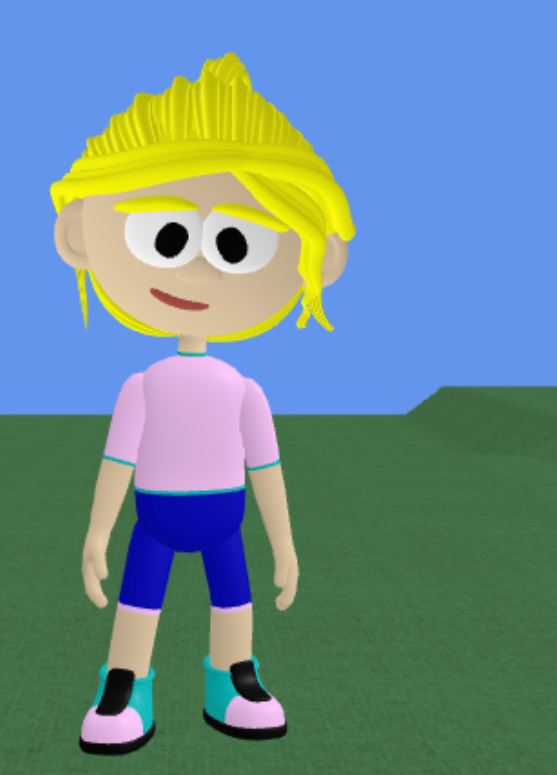
The next session I attended was a hands-on session, in which we were able to try out new online software by Flip Computing, called Flock XR. This is a lovely visual coding environment, in which you can create your own 3D animations and games. Aimed at primary children, the environment is similar to Scratch except the world is 3D. I was very impressed at how easy it is to get started and I believe more features will be added soon, as some of the functionality is still in development. I’m very impressed with what I have seen so far and was able to make a fun little dancing character with some special effects included too!
Flip Learning have provided free teaching materials to help you get started. You can give Flock XR a try here.
Learning on Roblox by Tim Scott
The final session of the day was all about Roblox by Tim Scott. He began by highlighting the huge range of learning games on Roblox, you can find the full list here. There will be some BBC Bitesize resources added to this soon as well.
Some of the key experiences from the list above, Tim highlighted were:
- Lua Learning – A game where you can learn to code
- Revive Atlantis – learn about cyber security
- Mission Mars – Scientifically accurate Mars exploration
- Be Internet Awesome – Learn about online safety
- AVID Creator Planet – An educational adventure on a futuristic planet
Next Tim showed us a demo of Roblox Studio. I’ve explored this in the past to develop my own mini-game and it was interesting to see Tim showcase the AI features within the platform, giving it instructions to write key parts of the code for you, a great feature to allow educators an opportunity to showcase AI in an interesting way.
Tim finished by addressing safety concerns within Roblox, this is something that has made news headlines in the past. It was good to hear that, as a company, they have lots of measures in place to keep children safe. They use a mixture of AI moderation at the first stage followed by moderation by large teams of experts across different fields to ensure very little slips through the net. As with any platform, there is some responsibility on the parents to ensure they know what their children are doing online (and they haven’t lied about their age!). Parents can control what types of games their children are exposed to as well as set limits to ensure they can only send messages to friends (or turn messaging off completely). I found this quite reassuring, as a parent, I was wary of Roblox at first due to the bad press it had received but my children have not had any issues so far with the platform, we’ve had many open conversations about Internet safety and strangers online too, and having Roblox has provided an opportunity for those conversations. They’ve played some interesting games too, recently cultivating their own virtual gardens!
The event finished with some celebrations and a networking opportunity but I had to leave to catch a train home so missed out on that but I’m definitely hoping to return next year and will plan for a later train!