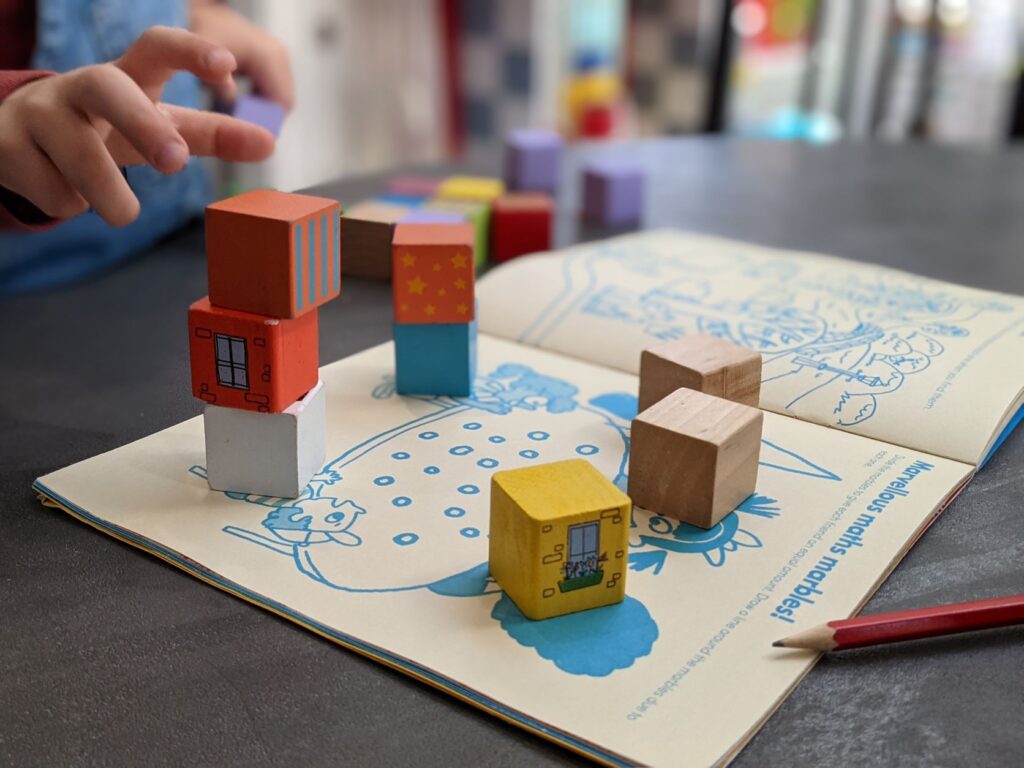
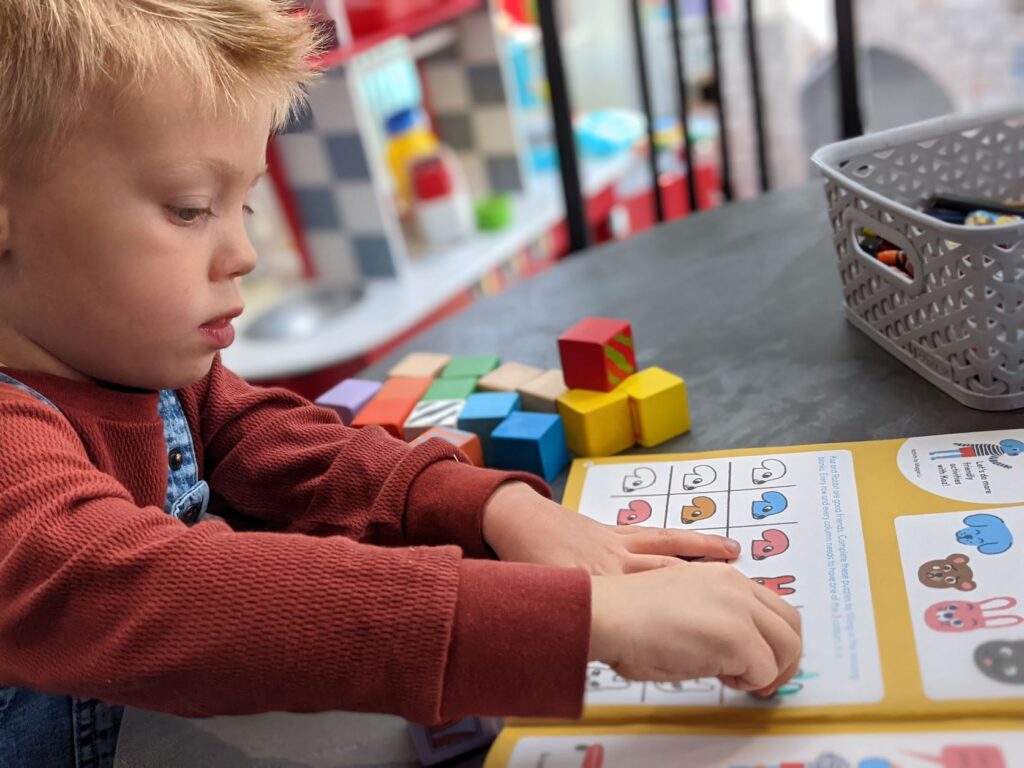
I’ve recently been on a hunt to find a good STEM-related magazine for my young children (aged 3 and 5). I’m not keen on the plastic toys that come attached to the front of many children’s magazines and I wanted something that was both entertaining and had some educational value. On my search I stumbled across Okido, branded as an Arts and Science Magazine for Kids, aimed at children aged 3 to 7. I reached out to the team and they kindly sent me a free copy to review. This has not been a quick process as the magazine is so jam-packed with content, myself and young children have been regularly revisiting the various sections since we received our copy a few weeks ago. We have issue #98, titled Friends which is themed around friendship and returning to school.
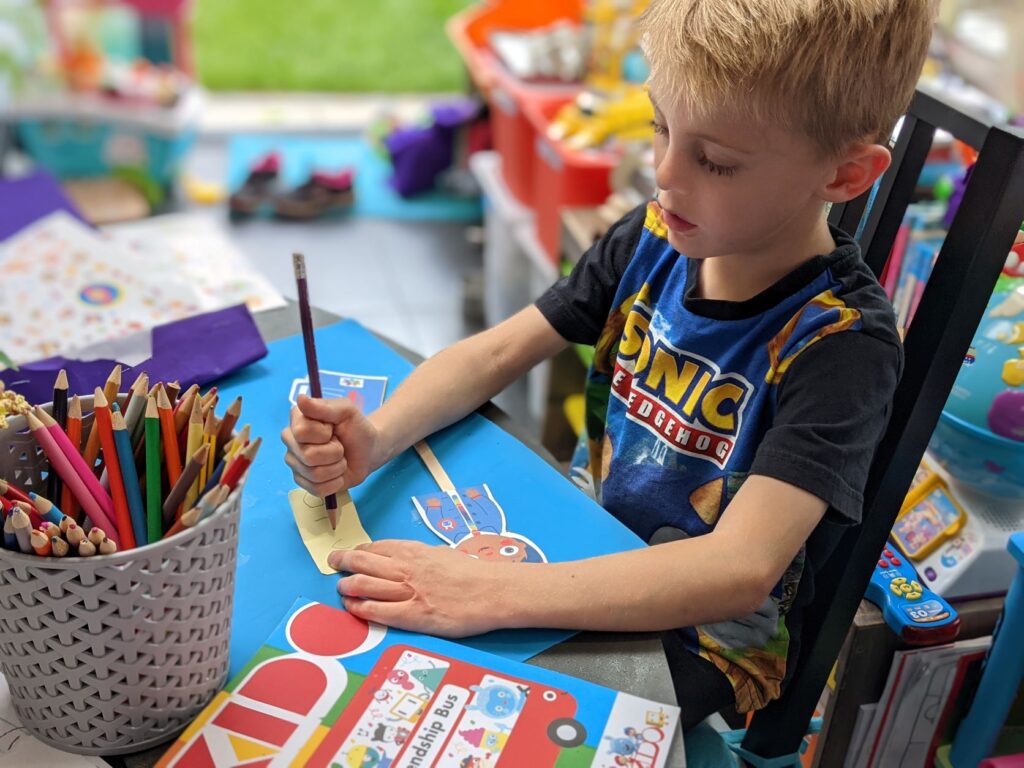
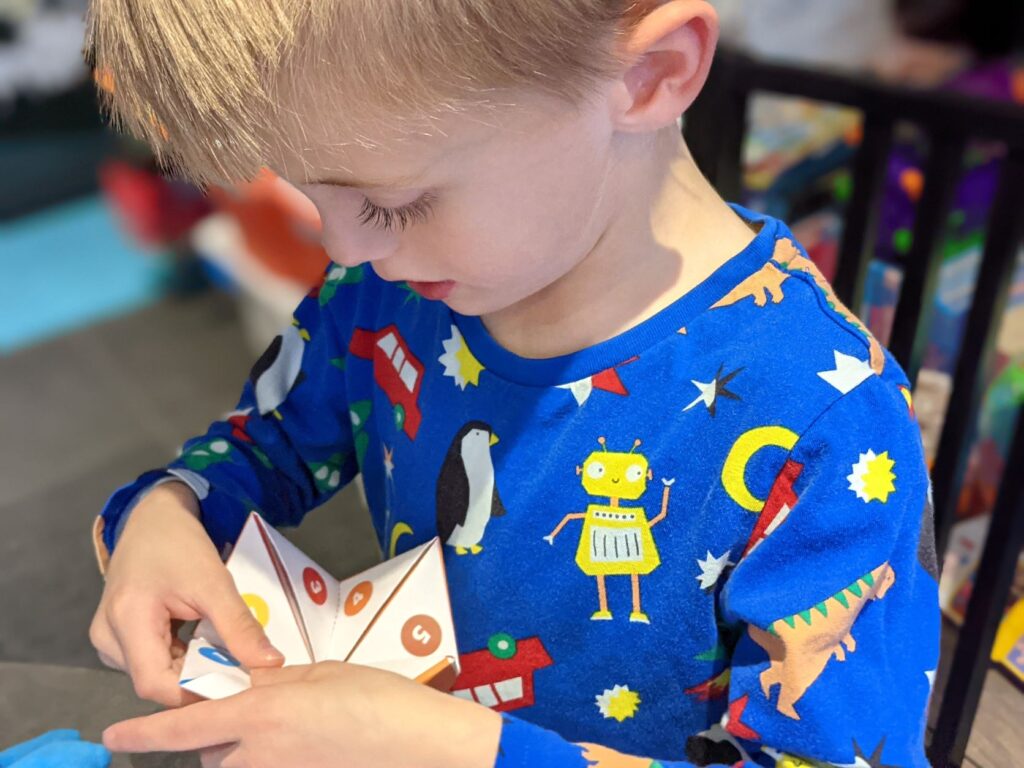
The magazine is 47 pages long and made from thick matt paper which, in addition to being environmentally friendly, is particularly useful for colouring and writing on the activity pages; too often magazines have a sheen to them meaning pencils don’t show up well and pens rub straight off! Another little feature which I like is that pages with cut-out sections have nothing on the back to ruin so you can freely cut out the activities without losing valuable magazine content. Additionally with the pages being printed on good-quality, thick paper, the cut-out activities stand up well to the handling of small children! In fact our chatterbox and puppets are still in pretty good condition weeks later!
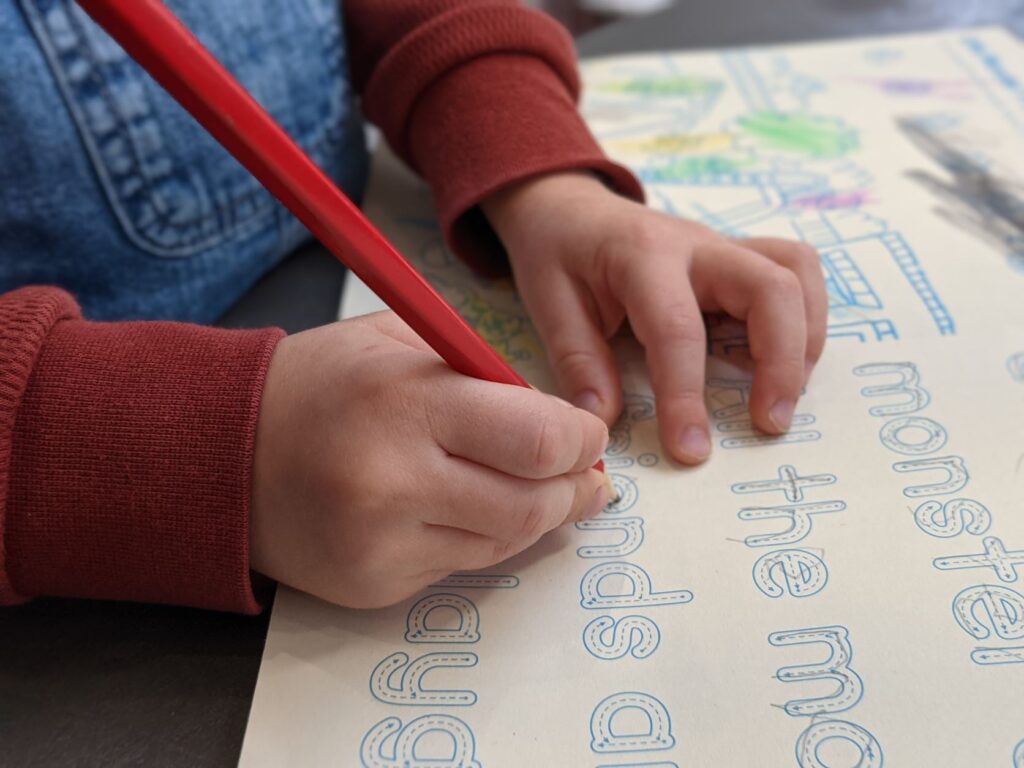
Overall, I was very impressed with the content; there was a large variety of things to read and do, including comic strips, stories and a poem. All of which were enjoyed by both boys. They also really enjoyed all of the activities to complete, these involved drawing, writing, navigating a maze and maths challenges. They both particularly liked the search and find pictures too, one involved finding and colouring monsters and the other was more like a Where’s Wally exercise to find Foxy and friends as well as a variety of other quirky characters within the picture. To my surprise my three-year-old also really enjoyed the writing exercise showing lots of concentration to trace over all of the words.
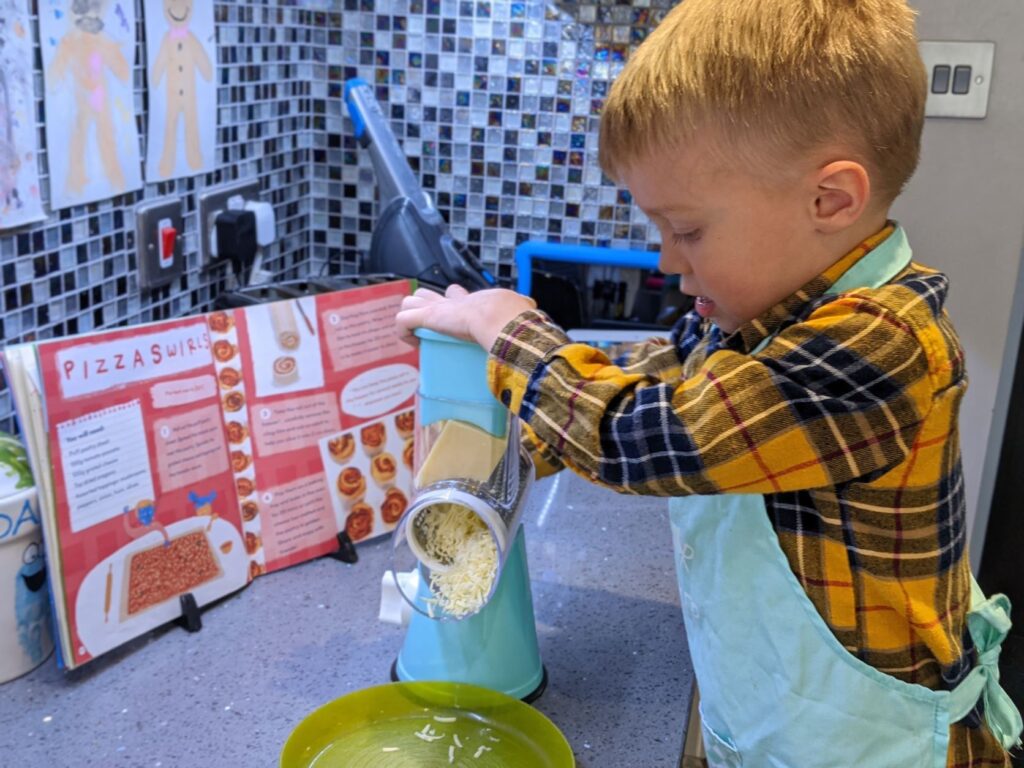
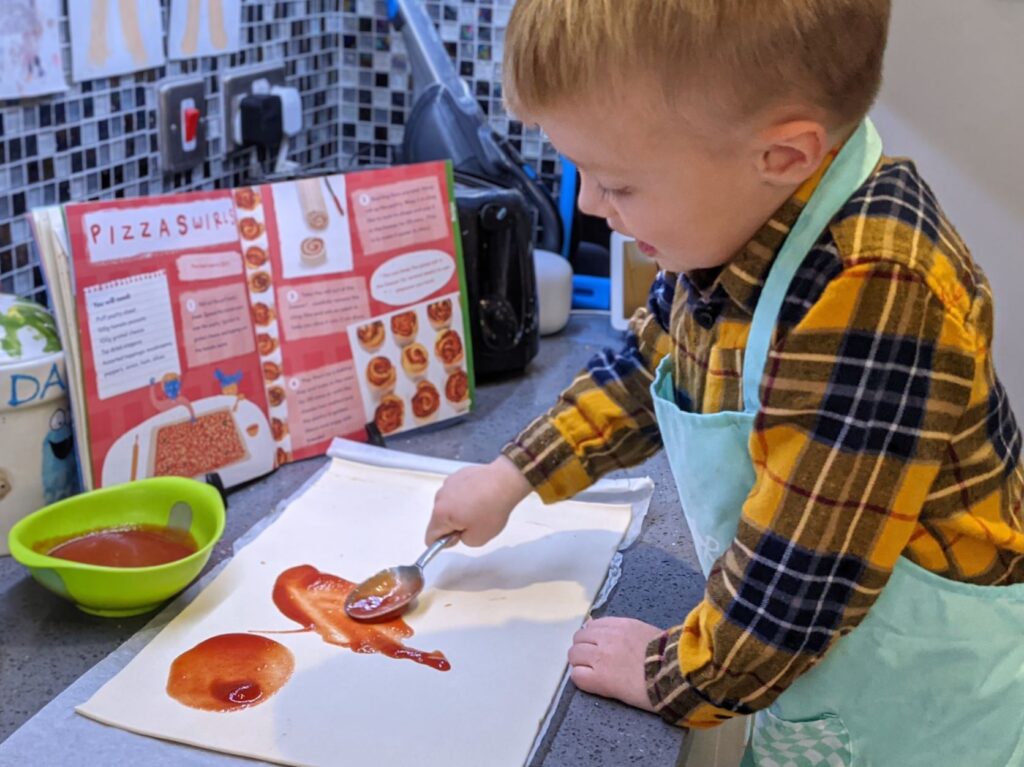
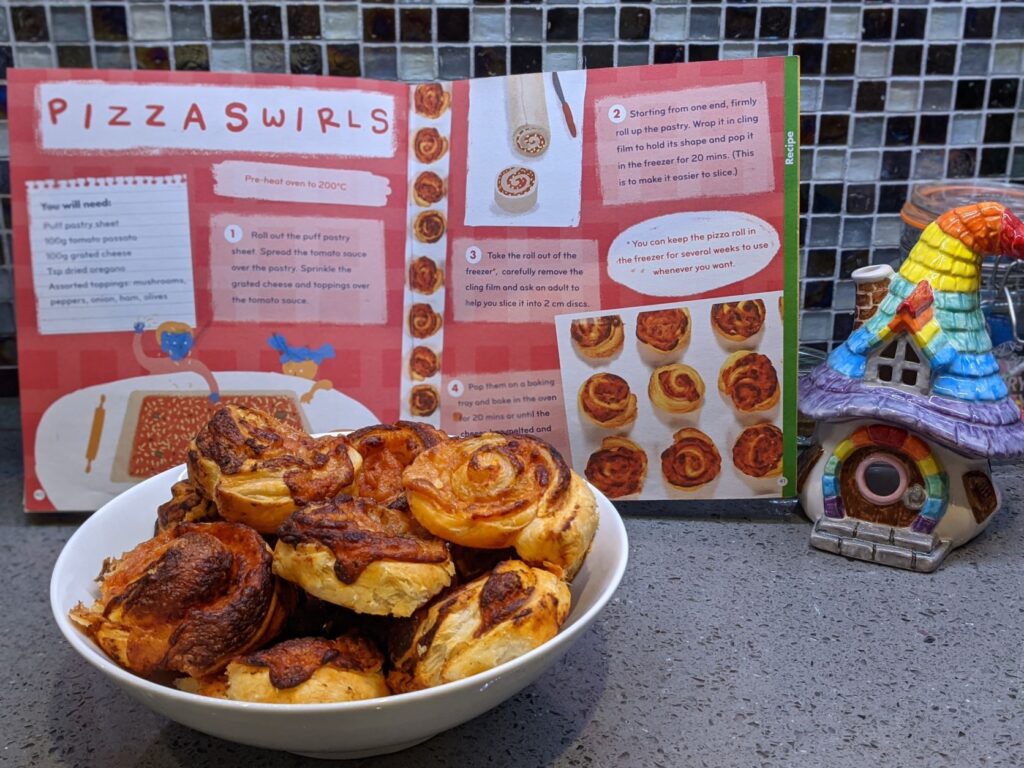
My three-year-old also loved the addition of the Pizza Swirls recipe, which was very accessible and simple for young children (as well as being delicious and perfect for our guests during an afternoon playdate!) I believe there is a recipe featured in each magazine so I’m quite intrigued to see what will be in our next edition.
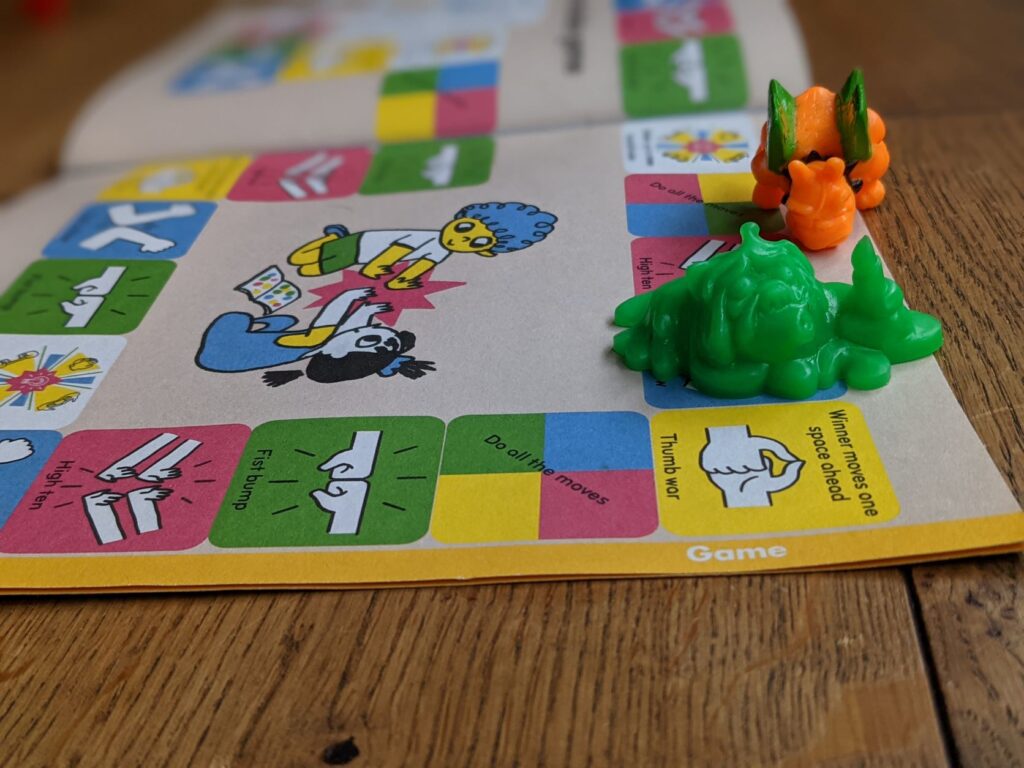
The board game was a nice feature too; we all enjoyed playing it and using a variety of different objects as counters! I think the 1990s Mini-Boglins and Monsters-in-my-Pocket were our favourites!
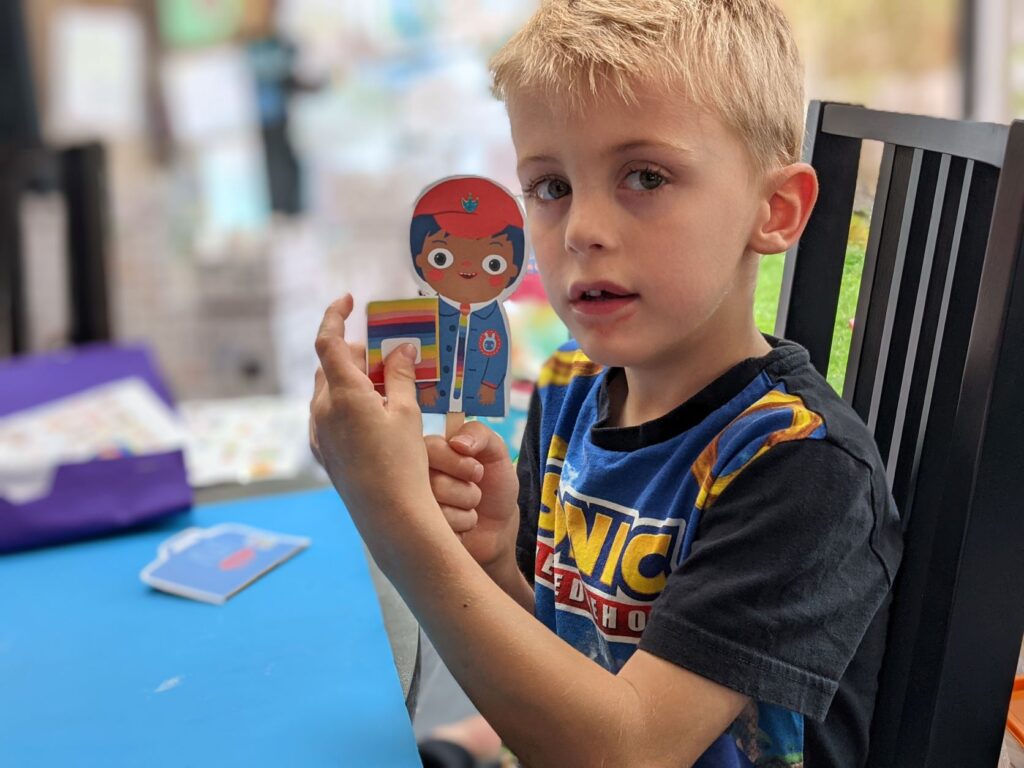
Amongst the other content, my oldest son particularly enjoyed making stick puppets which were based around school children, he liked equipping their bags with various pieces of school stationery and writing in their miniature exercise books.
The only drawback for me was that the issue I was reviewing didn’t have a lot of content in relation to the science and technology aspect of STEM learning but having looked through the back-catalogue on their website it seems that’s unusual so I wasn’t put-off by this, in fact I will be subscribing shortly and looking forward to receiving our next issue.
If you would like to subscribe too you can enjoy 15% off using the code: SOCIAL15. Click here to order online directly from the Okido website.
As I mentioned in my previous post, this summer we decided to cover an environmental theme, called Happy Earth, In the first week we looked at issues relating to wildlife and the following week we tackled waste which is the topic I’m covering in this post (I was aiming to write a post each week but I’m a couple of weeks behind now!)
When looking at this topic we discussed the problems relating to waste going to landfill along with waste in the form of litter and causing issues for wildlife, linking back to last week’s theme. We identified the primary ways to help with waste are the four R’s:
Rot
Reuse
Recycle
Rehome
These formed the basis for our activities this week:
Rot
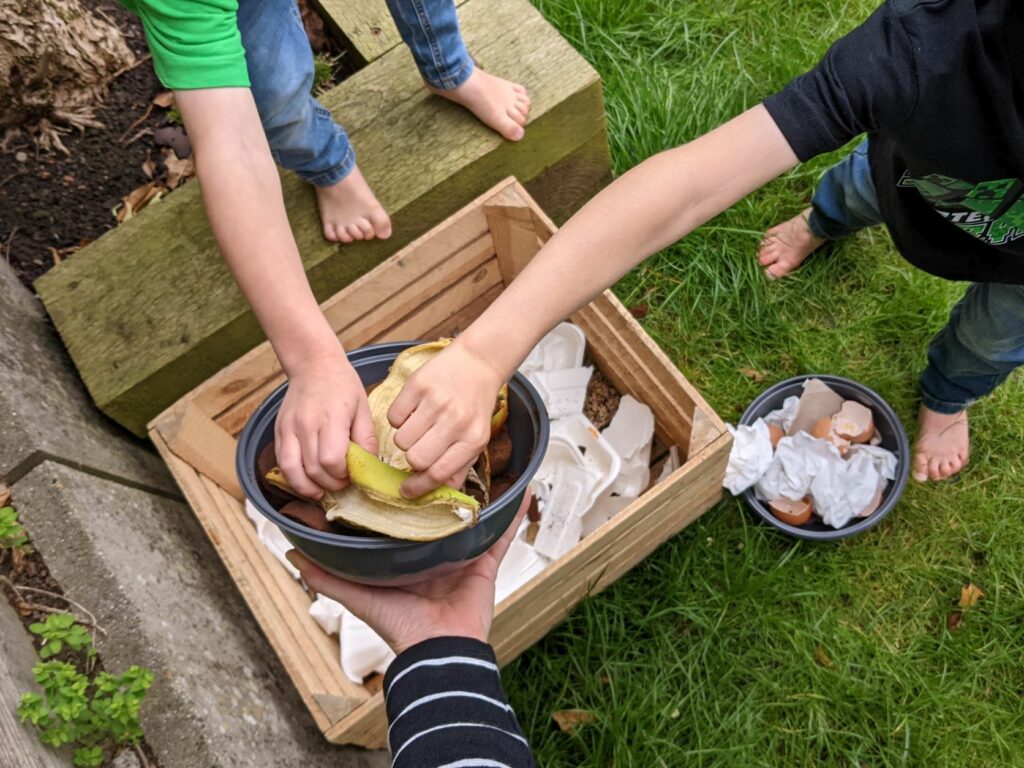
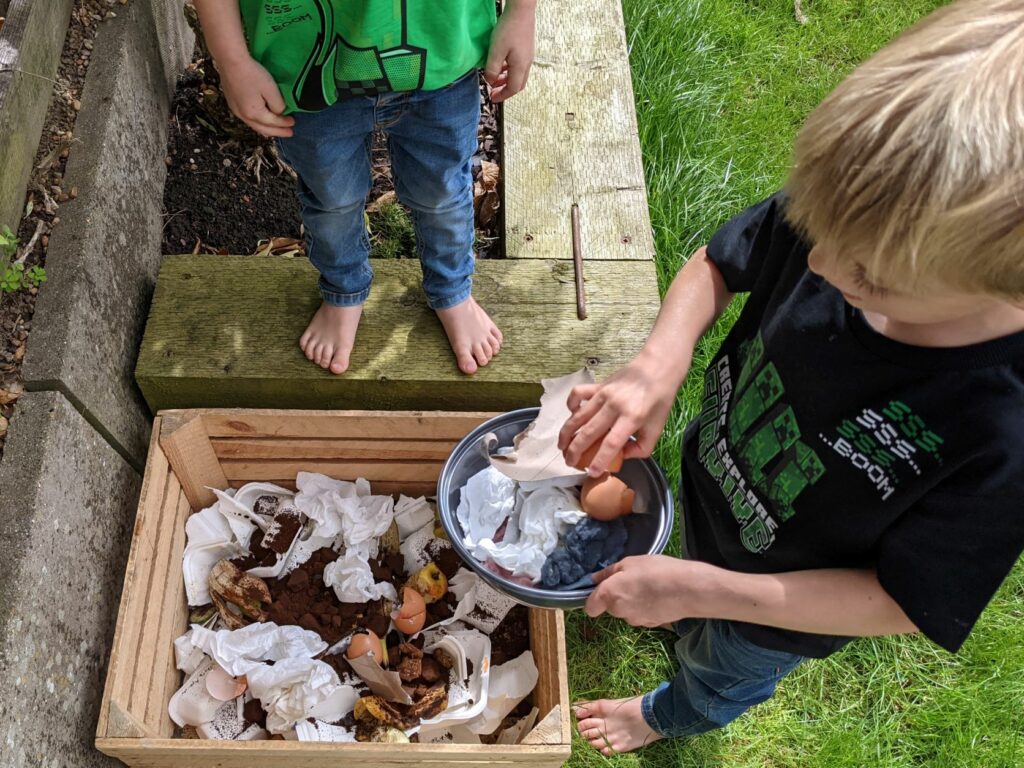
Over the course of the week we saved suitable compostable items sorted as green (nitrogen-based) or brown (carbon-based) and reused an old wooden crate covered with an Ikea carrier bag to start a small compost pile in the garden. The boys added the items in layers and we gave it some water to get it started! Since then we’ve been regularly adding-to and checking on our “compost” but it hasn’t changed much yet and is mostly serving the role of another bug hotel! I’ve read that it takes around six months before we will have any usable compost so hopefully it will be ready to use next year.
Reuse
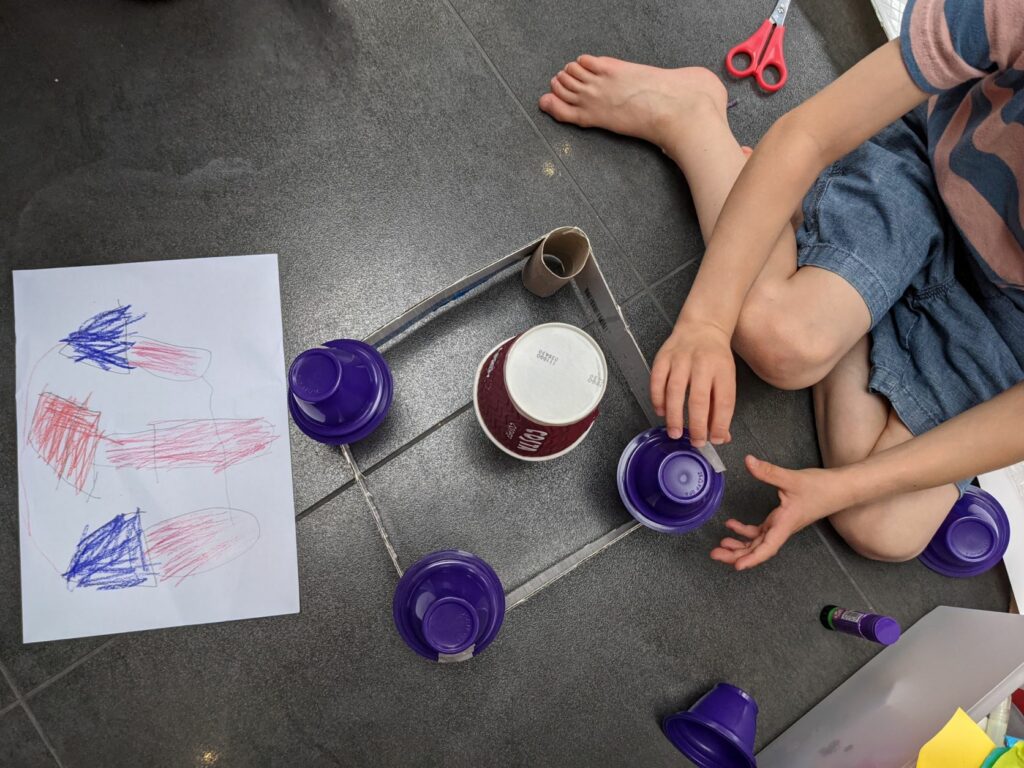
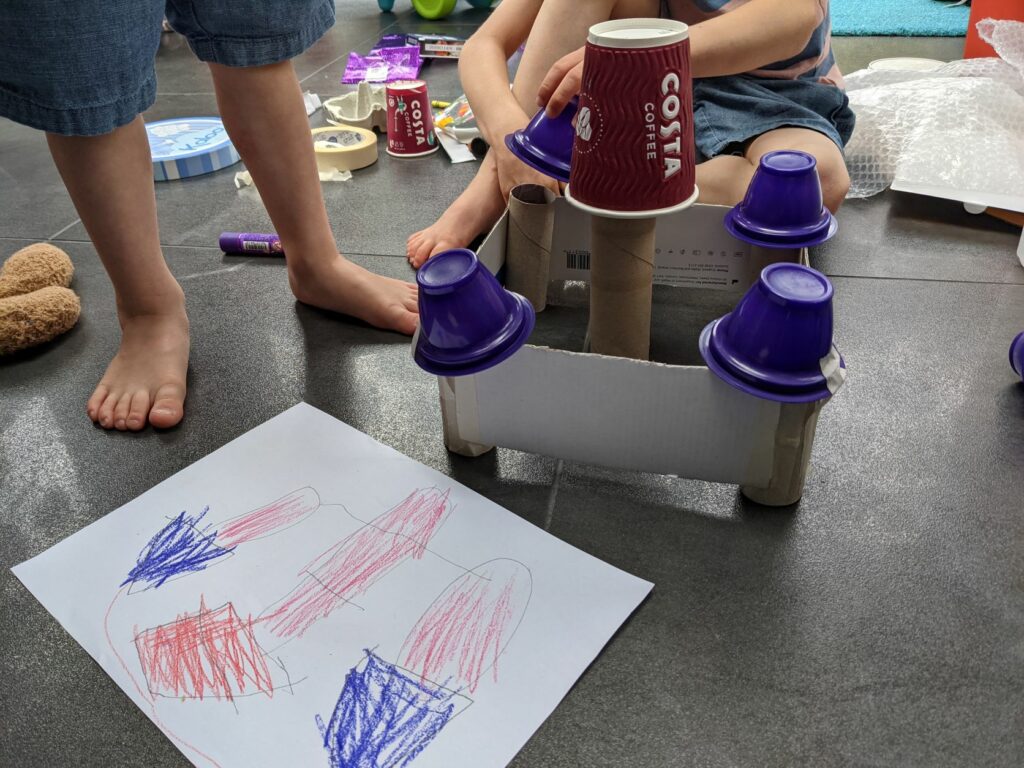
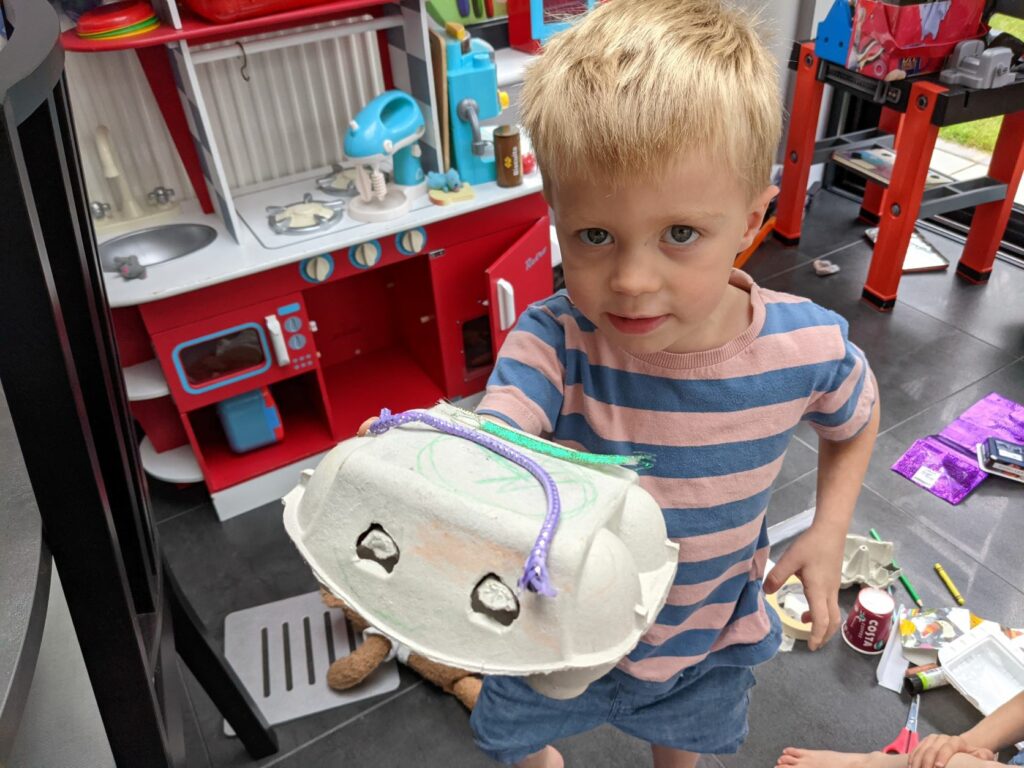
The boys love junk modelling so didn’t need much of an excuse to build something new from our old rubbish! My younger son chose to turn an old egg carton into a monster while my five-year-old decided on something a little more elaborate which he planned out on paper first after seeing the the resources available; he chose to build a castle complete with a secret hidden area. He even managed to construct most of it himself and was really pleased with the end result!
Recycle
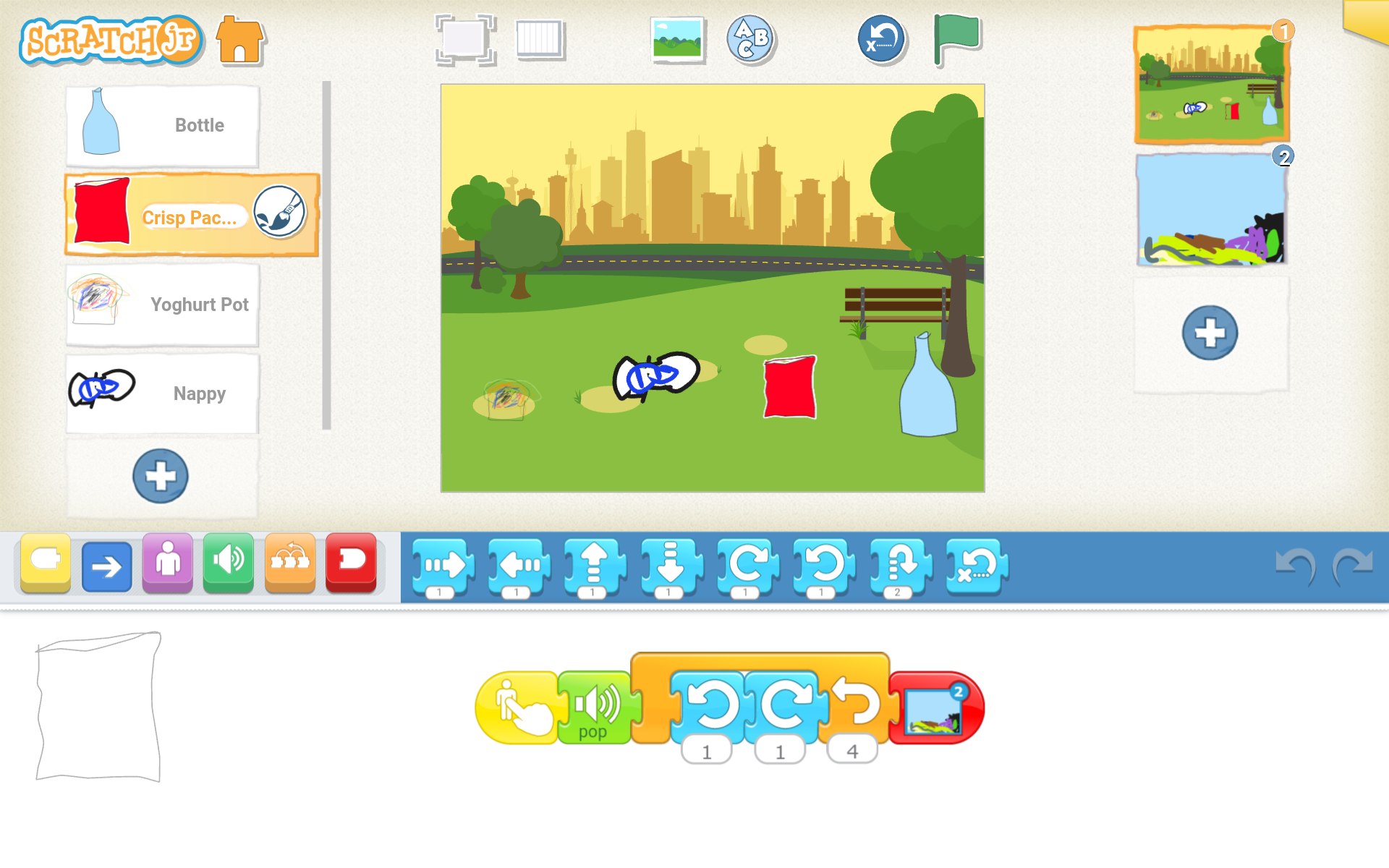
To deepen their understanding of the types of things that can be recycled we made a simple game together using ScratchJr. Various items of rubbish are displayed on the screen and the player has to tap the recyclable items, if they tap the wrong ones the item goes to landfill! (That was my son’s idea!)
In addition to their game we also wrote an email to our local councillor in an effort have recycling bins installed in our local parks; currently all rubbish goes in mixed bins meaning a lot of recyclable items are being sent to landfill instead of being recycled. We have yet to receive a response!
Rehome
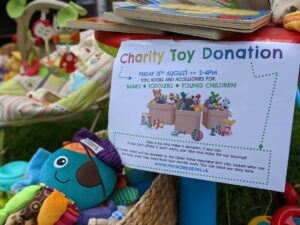
The boys had a lot of old toys they no longer play with so agreed to sort some out to be rehomed, they were surprisingly ruthless in their plight (I even fished a few back out of their collection!). We decided it would be a good idea to ask for donations in return for the toys to raise money for the Oliver Fisher Neonatal Unit (the unit that looked after my twin boys when they were born four months early – full story here).
I advertised the sale within local groups on social media and displayed the items in our front garden over the weekend (alongside a QR code for people to donate contactless if they preferred), most people donated fairly, with one lady even returning with more money later as she only had a little bit of change at the time! In total we raised £76, so we were really happy with the generosity of the local people!
Litter Picking
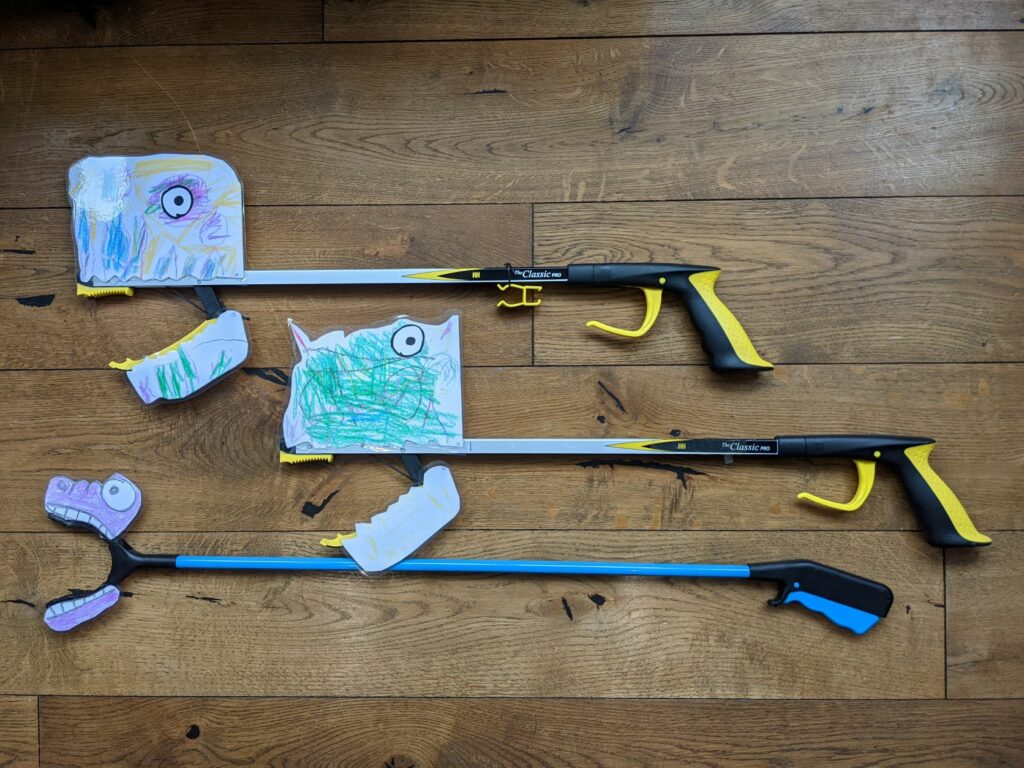
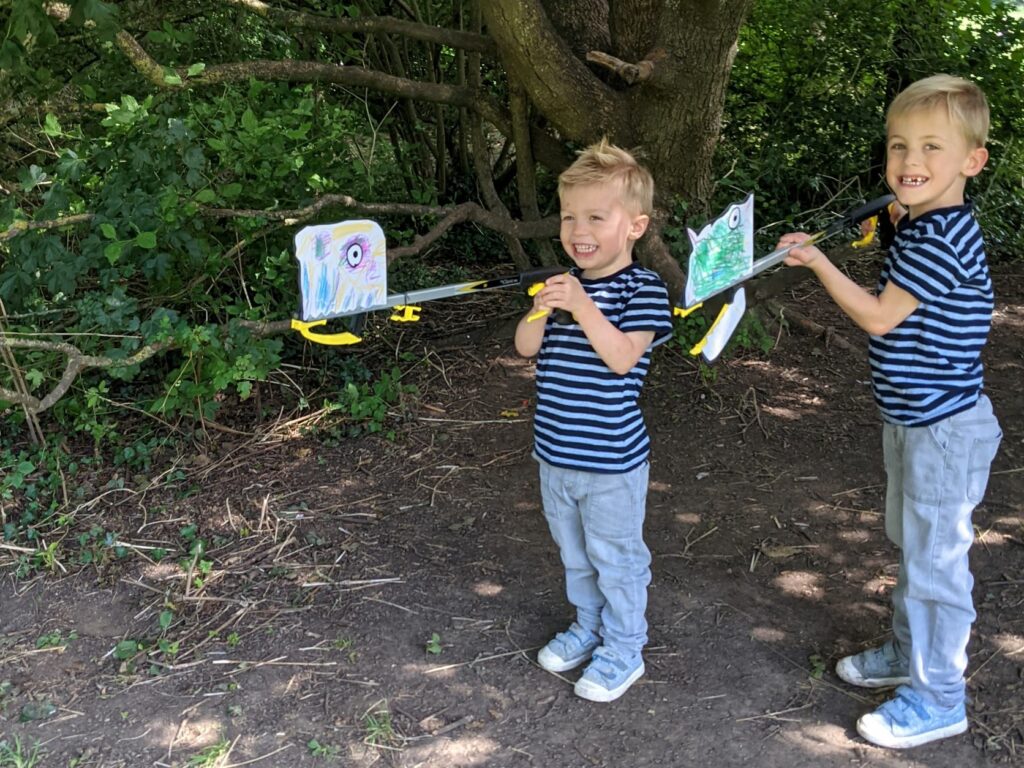
As litter is a problem, not only aesthetically but harms wildlife we joined up with some of the boys’ friends to go litter picking (after first using their artistic skills to spruce up their litter pickers into “Litter Monsters”!). We were pleasantly surprised to find there was not a lot of litter around. We did manage to find a little bit and received lots of compliments from local walkers who all appreciated our efforts!
Here’s an overview of our waste themed challenges:
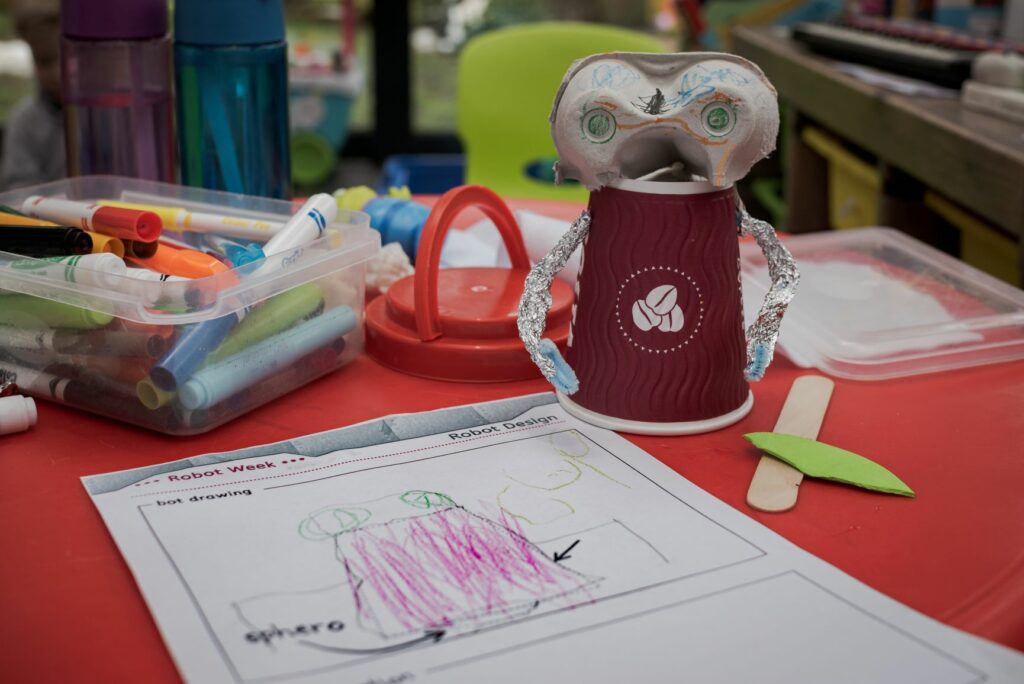
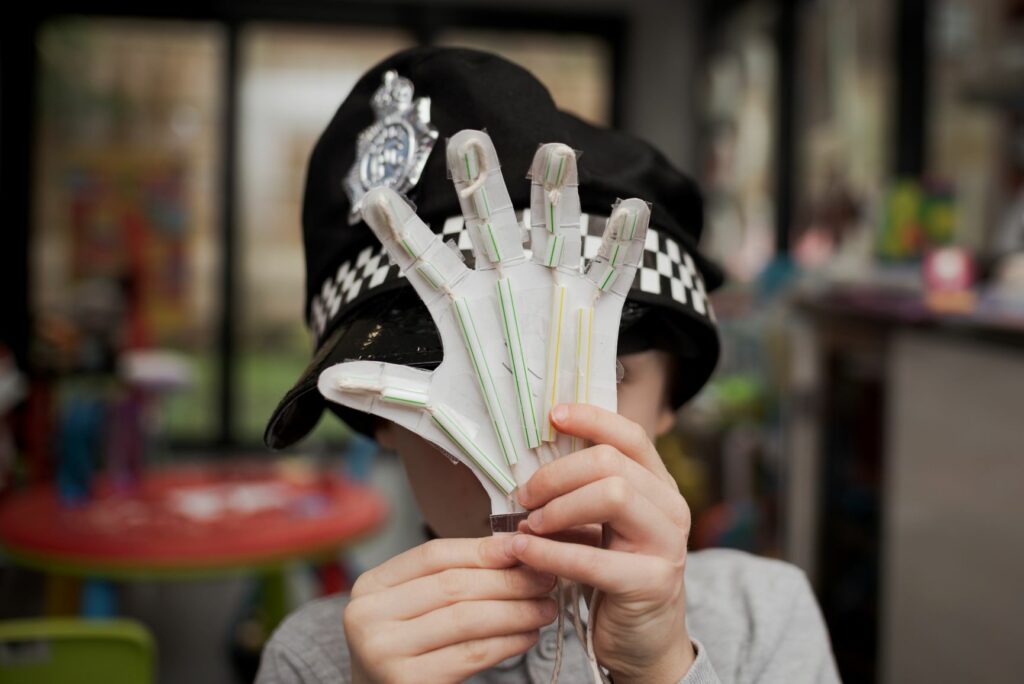
If you’ve read some of my previous posts or tweets you will know that my boys like to have a theme for their school holidays. Robot Week being our favourite so far; we also had a Dinosaur theme back in May (which I have yet to blog about!). Over the summer we decided to cover an environmental theme, called Happy Earth, knowing this would provide a lot of interesting STEM content as well as tackling real world issues. I’ve broken it down into the five weeks of the school holidays so we have a different sub-theme each week. In the first week we looked at issues relating to wildlife, both local and further afield and last week we tackled waste (I’ll write up a separate post on this). Here’s a breakdown of the topics we will have covered by the end of the summer holiday:
Week 1 – Wildlife
Week 2 – Waste
Week 3 – Food
Week 4 – Energy
Week 5 – The Oceans
I introduced the theme by giving an overview of the Global Goals using the following video:
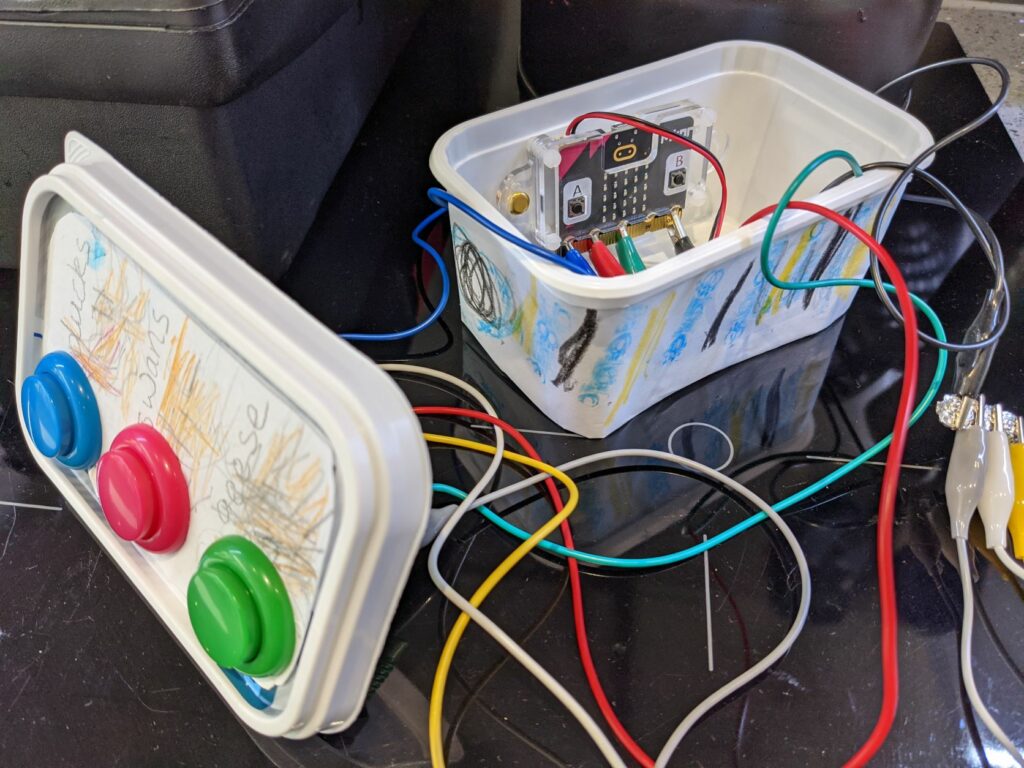
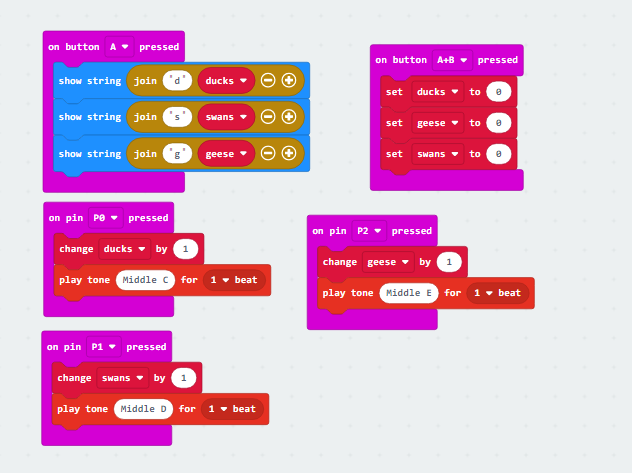
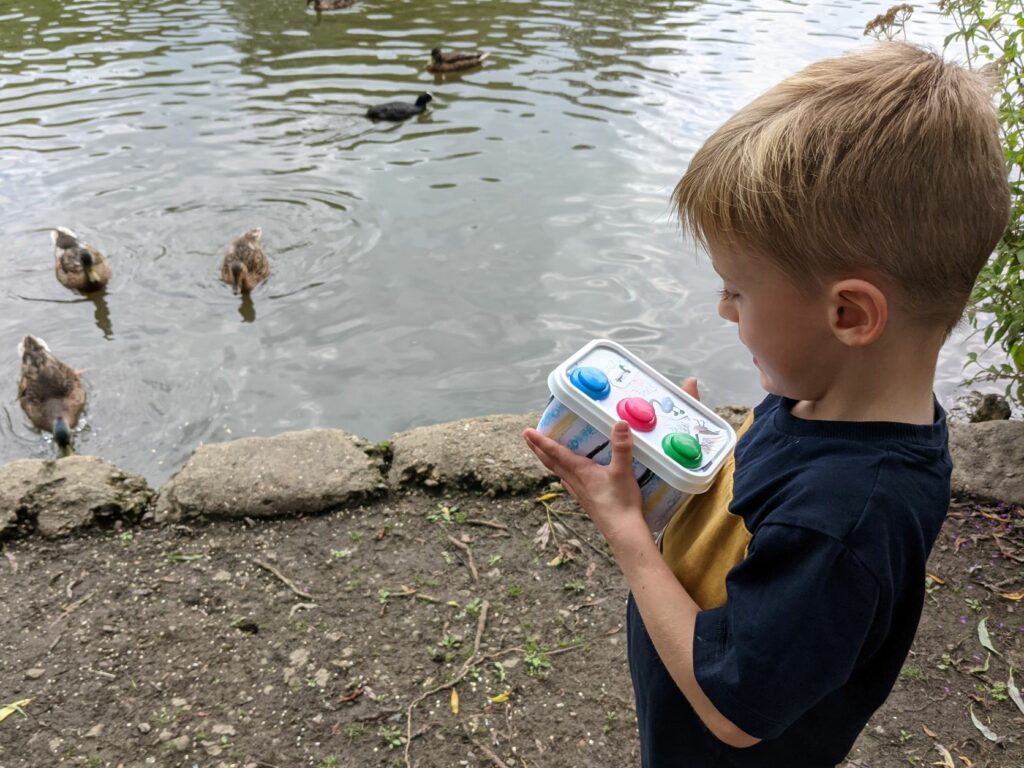
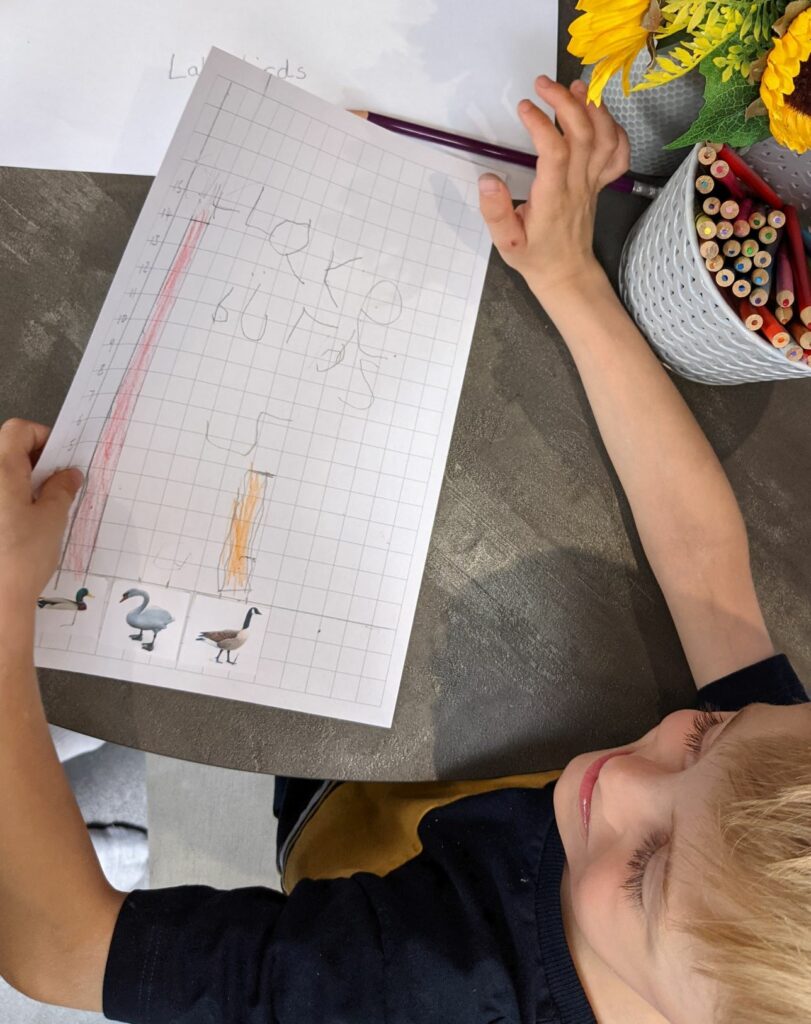
We began our Wildlife Week by building a micro:bit bird counter, to enable us to keep track of the number of birds around our local lake. The children helped to construct a container to house the micro:bit, wires and buttons using their junk-modelling skills. As their reading skills are still quite limited I did most of the programming then talked them through what the code blocks were doing. The boys enjoyed taking their device out to our local lake and using it to record the number of each type of bird found. To our surprise the swans were missing, we probably wouldn’t have noticed had we not been tracking them, so we’re hoping to visit again to see if we can find them and check they’re doing okay. One feature we added to our code blocks was some audio feedback so you can hear when a button press has been recorded, without this it was difficult to know it was working, especially when the micro:bit was hidden inside the container. (In hindsight, a larger container with a see-through panel would have been better).
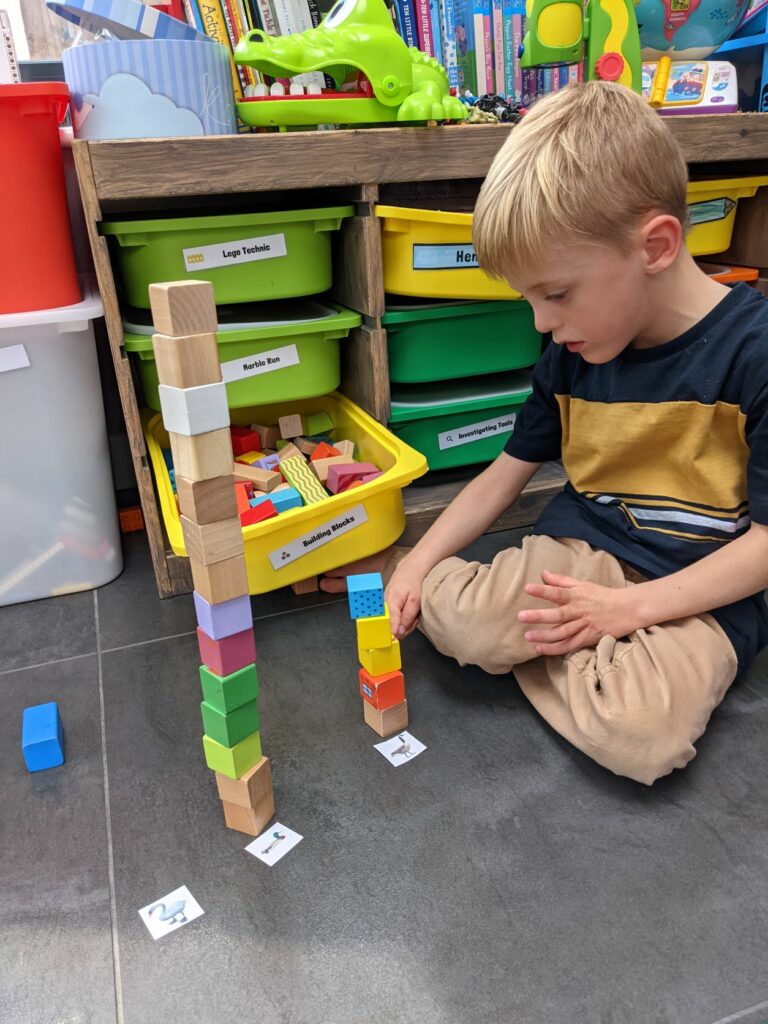
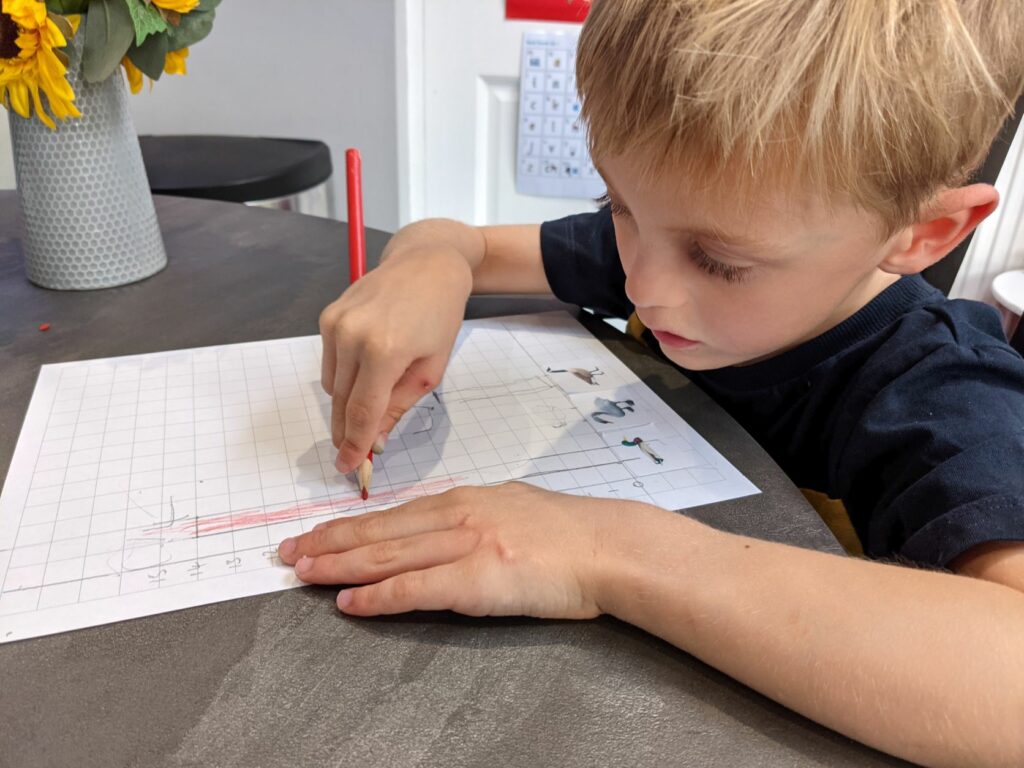
When we got home my 5-year-old was keen to record the numbers found, first with building blocks, which I then helped him to translate into a barchart (he loves number representations). He then extended his graphing skills and made another barchart on his own to represent monsters!
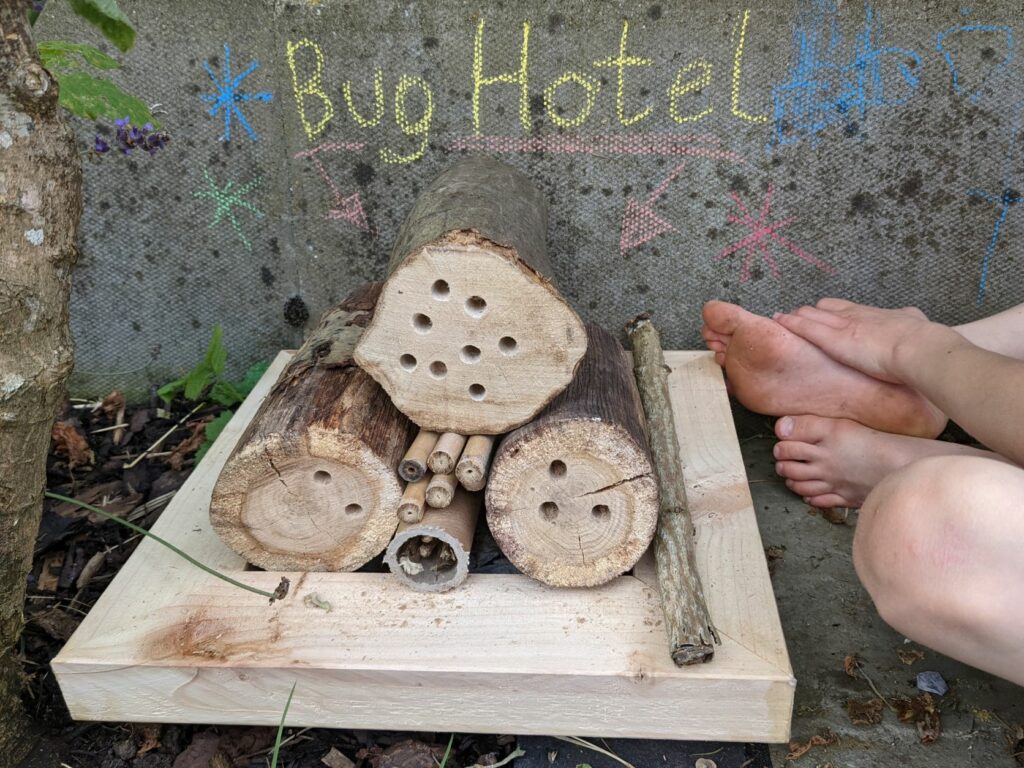
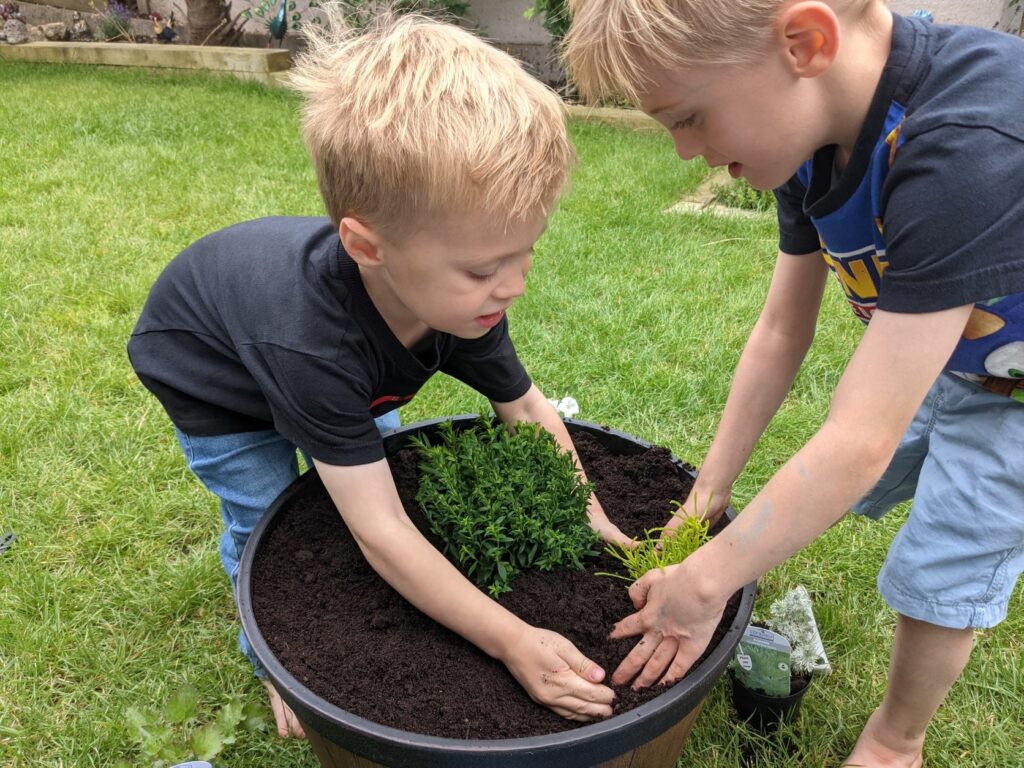
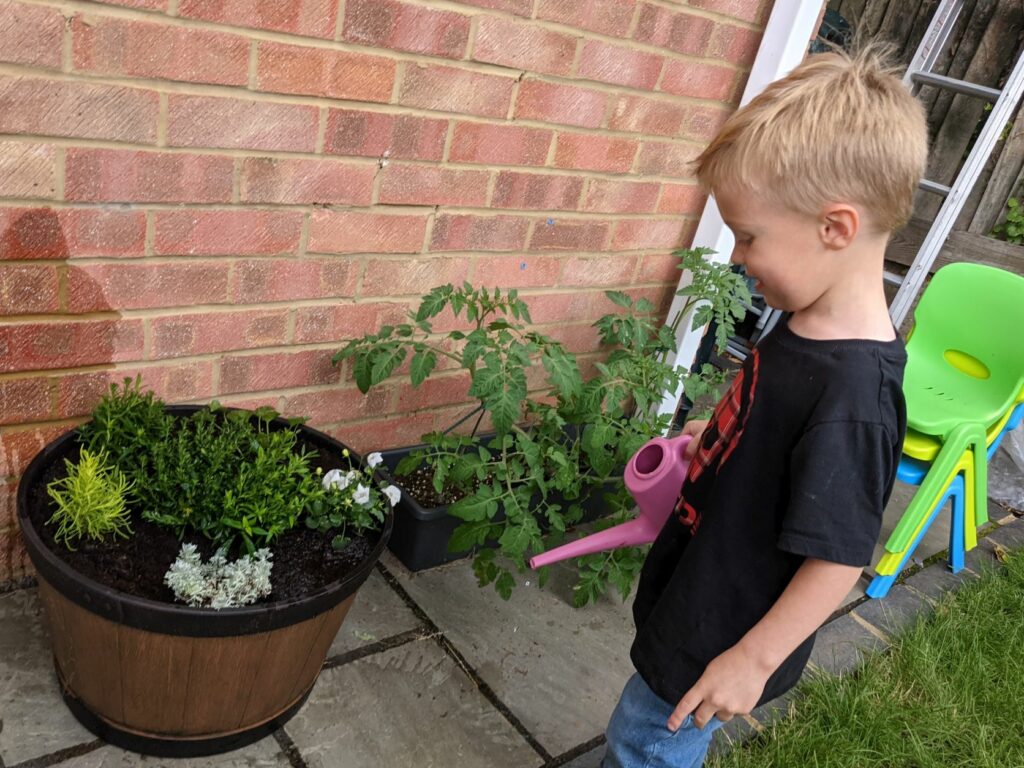
Our Wildlife Week momentum continued the following day by building a bug hotel and visiting the local nursery to buy and plant some bee and butterfly friendly flowers to create our own little pollinator garden.
Later in the week, after discussing deforestation, my oldest son planned an animation for us to make together, featuring orangutans losing their home to deforestation, he had the great idea of making the trees reappear at the end of the video and it having a happy ending! As this was a stop-frame animation we were able to simply play the first frames in reverse to make the trees reappear and orangutans happy, this was quite lucky as trying to keep a 5-year-old on track with only moving the pictures a tiny bit between frames was a little challenging, meanwhile my 3-year-old was crying because his orangutan was sad that the trees had been chopped down! We used Stop Motion Studio to create the animation, which is a very accessible app for young children to use but also has some more advanced features for grown-ups and older children to tweak timings. It also features a wide range of sound effects and music which my boys particularly like to explore. here’s our final video:
Another activity the boys enjoyed was developing a Happy Earth area within our family Minecraft world, we started a forest with each of us building our own trees (some were quite interestingly shaped!) and planting saplings. We then created a bee garden by choosing our favourite virtual flowers to plant before spawning bees and building hives.
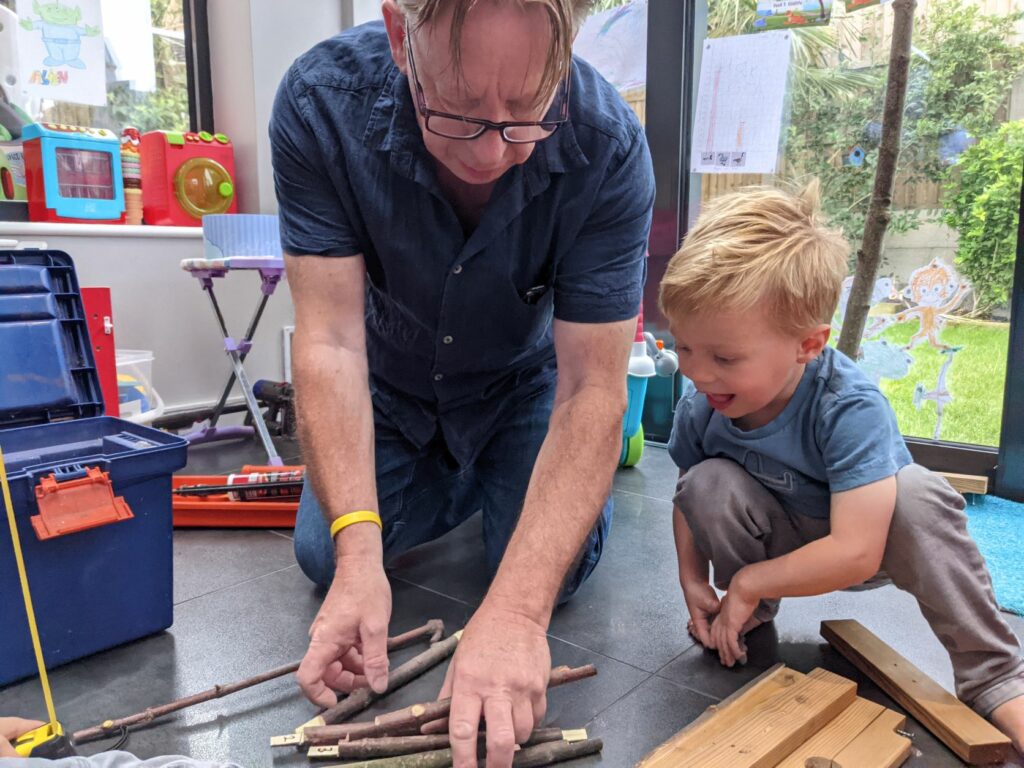
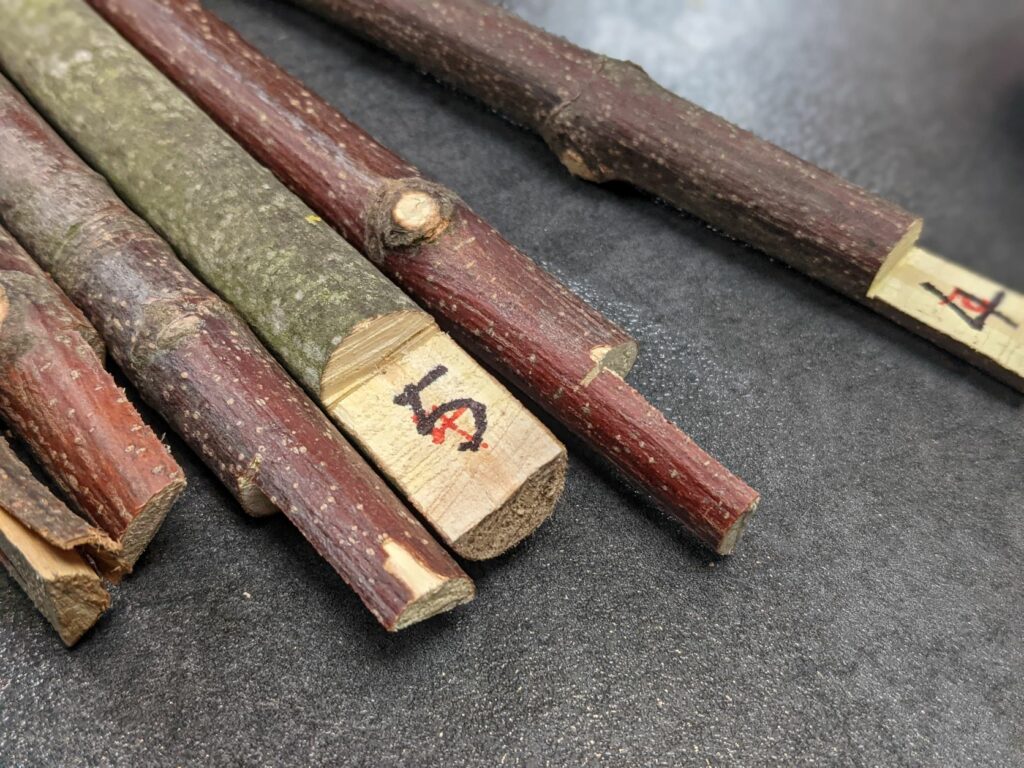
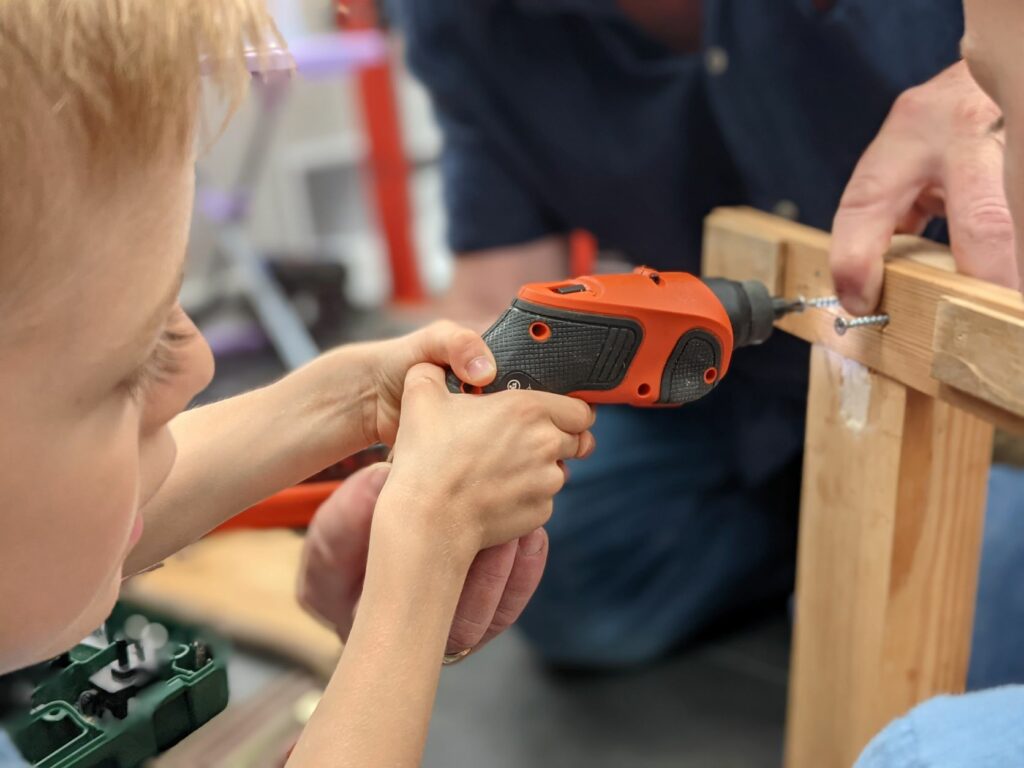
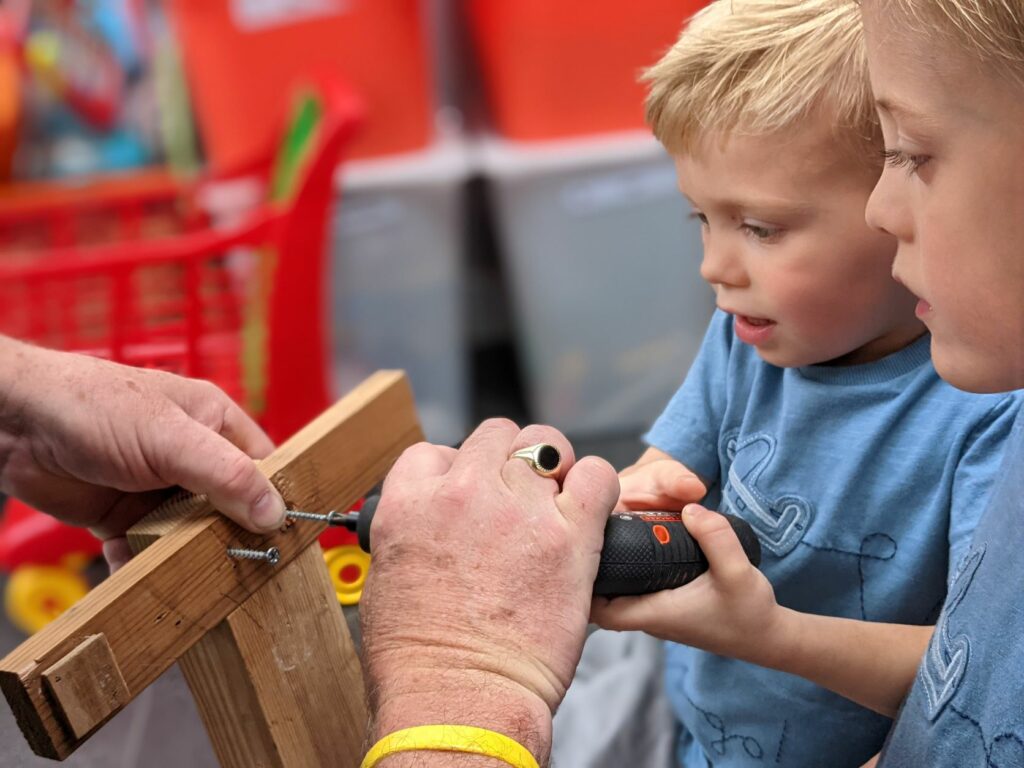
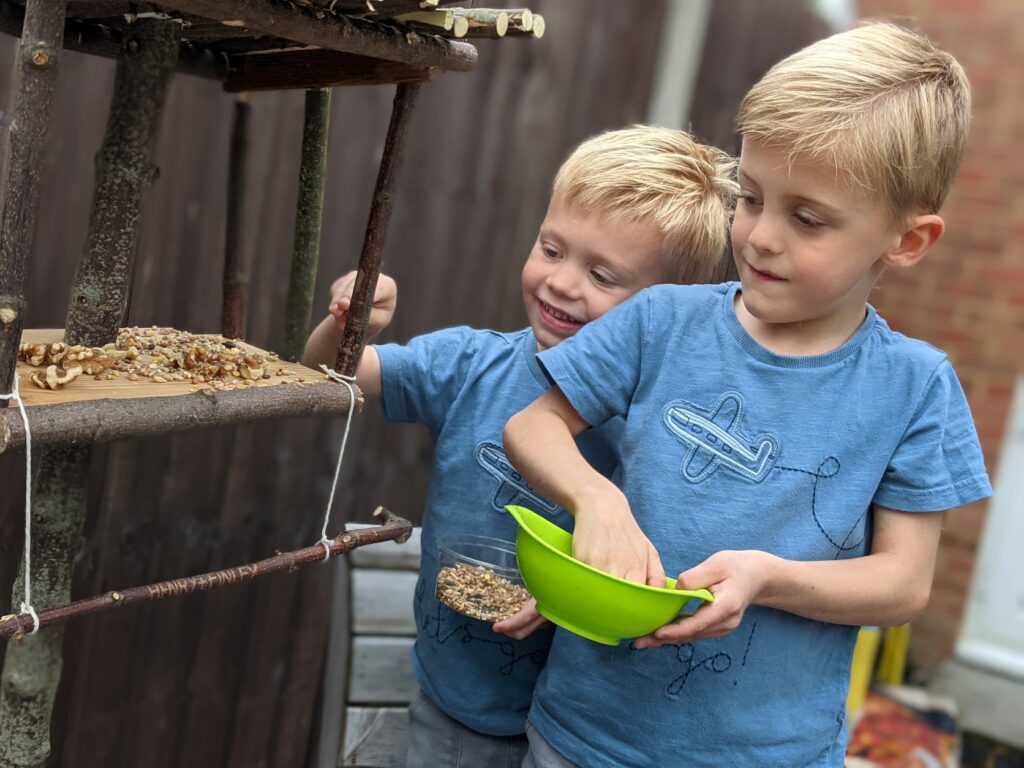
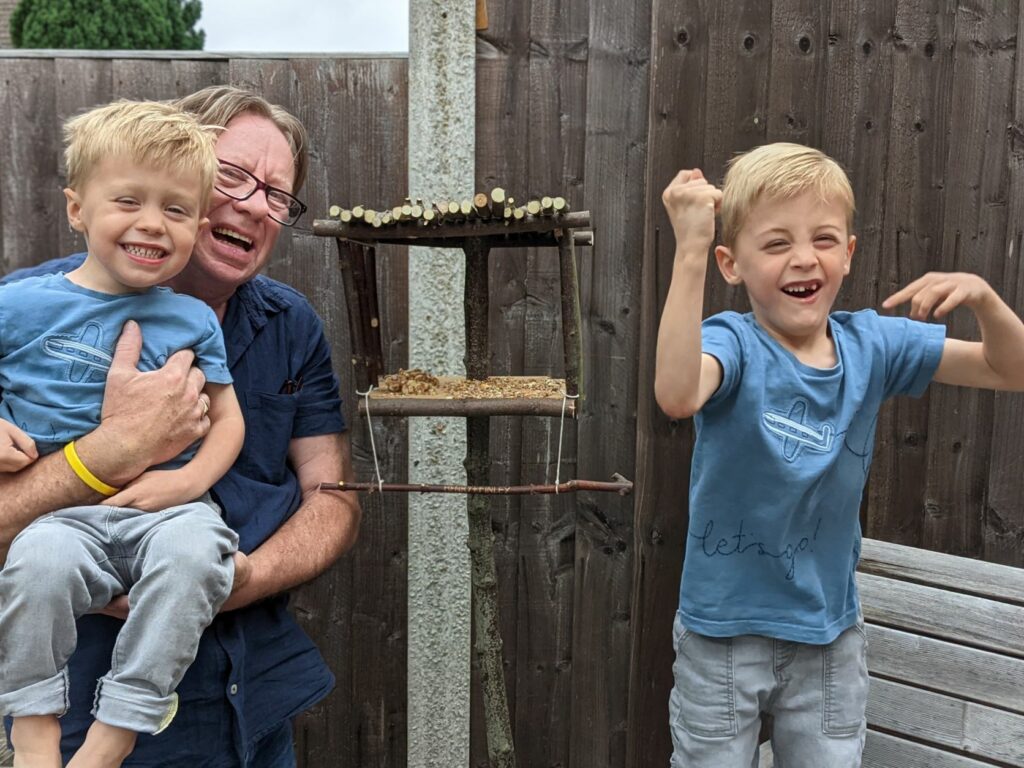
We concluded our wildlife week with a visit from Grandad who had prepared a variety of natural resources to help the boys build their own squirrel and bird feeder for the garden, they really enjoyed putting all the pieces together and even managed to hammer some of the nails and learnt how to use a screwdriver.
We ran out of time to complete our local wildlife tracking using the Seek app due to the weather but managed to get out for a walk the following week and used my mobile phone to scan and identify some local flowers and trees. This app feeds into a global database by iNaturalist so is very useful for tracking and monitoring wildlife across the world.
We also squeezed in a trip to the zoo at the end of the week where we were able to learn more about animal habitats and even spotted some more bug hotels!
Here is an overview of our Wildlife Week challenges:
Since undertaking “Mummy School” earlier in the year I’ve really enjoyed working on some creative STEM-related projects with my little ones. I thought I would consolidate some of our favourites here (taken from my Twitter feed to save time!).
Today the little ones are improving their mouse skills, testing out a game I made in #Scratch – they have to pop the balloons which get faster and smaller as you progress. They loved trying to beat their previous scores!#eyfs#caschat#primarypic.twitter.com/lo0Civ5MTk
So we used a repeating command block to make it rain sheep in #Minecraft – we learned 20 blocks is too high and first attempt ended in lots of wool and lamb chops! Oops! #minecraftedupic.twitter.com/UnERIrygeA
I think this was our favourite homework task this term, made by my 5yo (with a little help) using Stop Motion Studio. Have a great summer everyone! #eyfs#primarySTEMchatpic.twitter.com/ZCwHUcsPf7
In this post I’m going to share my experiences, alongside my two young children, of developing a simplified Dungeons & Dragons style game for young children that we’ve named “Dungeon Explorers” and how this fits in with some basic digital literacy and computing theory. The main objectives of this project have been to:
Develop a fun, non-competitive and expandable game to play together
Spark imagination and enhance storytelling skills
Introduce some pre-programming language and concepts
During the recent lockdowns we’ve enjoyed playing a variety of board and card games. Throughout the first lockdown my boys were just 2 and 4 but Snakes and Ladders and Cobra Paw were their firm favourites, more recently we’ve been enjoying Uno, Game of Life Junior and Dungeon Mayhem, to name a few. I love playing games with the children but the only downside is that games are often quite competitive and with two young children, someone usually ends up disappointed (or in tears) when they lose so I was looking for something that would encourage my children to work as a team and accomplish a goal together. From years of watching The Big Bang Theory and, more recently, Stranger Things, I’ve often been intrigued by the idea of Dungeons and Dragons. As my children are still young (now 3 and 5) I had a look around for a child-friendly alternative and came across Kids Dungeon Adventure. The basic idea of this is simple:
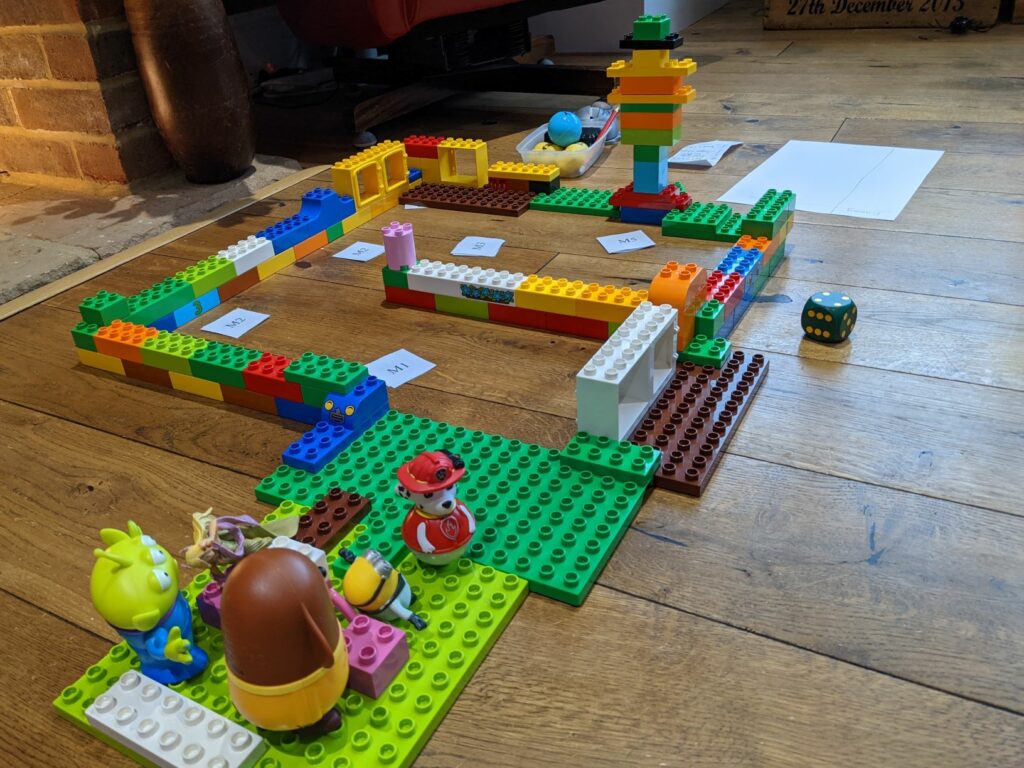
Create a “dungeon” from building blocks.
Introduce a scenario (our regular one is “the evil dragon has captured Sonic the Hedgehog and brave explorers need to rescue him“).
Scatter monsters and treasures around the “dungeon”.
Gameplay involves navigating the dungeon and defeating the monsters by rolling a six-sided die (knock the die value from the monster’s hit points until they are defeated). The grownup plays as the dungeon master and rolls on behalf of the monsters as well as keeping the adventure flowing. Players each start with 20 hit points which are deducted when monsters attack. You can buy Kids Dungeon Adventure for around £5 which gives you the full rulebook along with gameplay ideas, monster cards and treasure cards. For such a reasonable price this is a great starting point for introducing the basic concepts and gameplay.
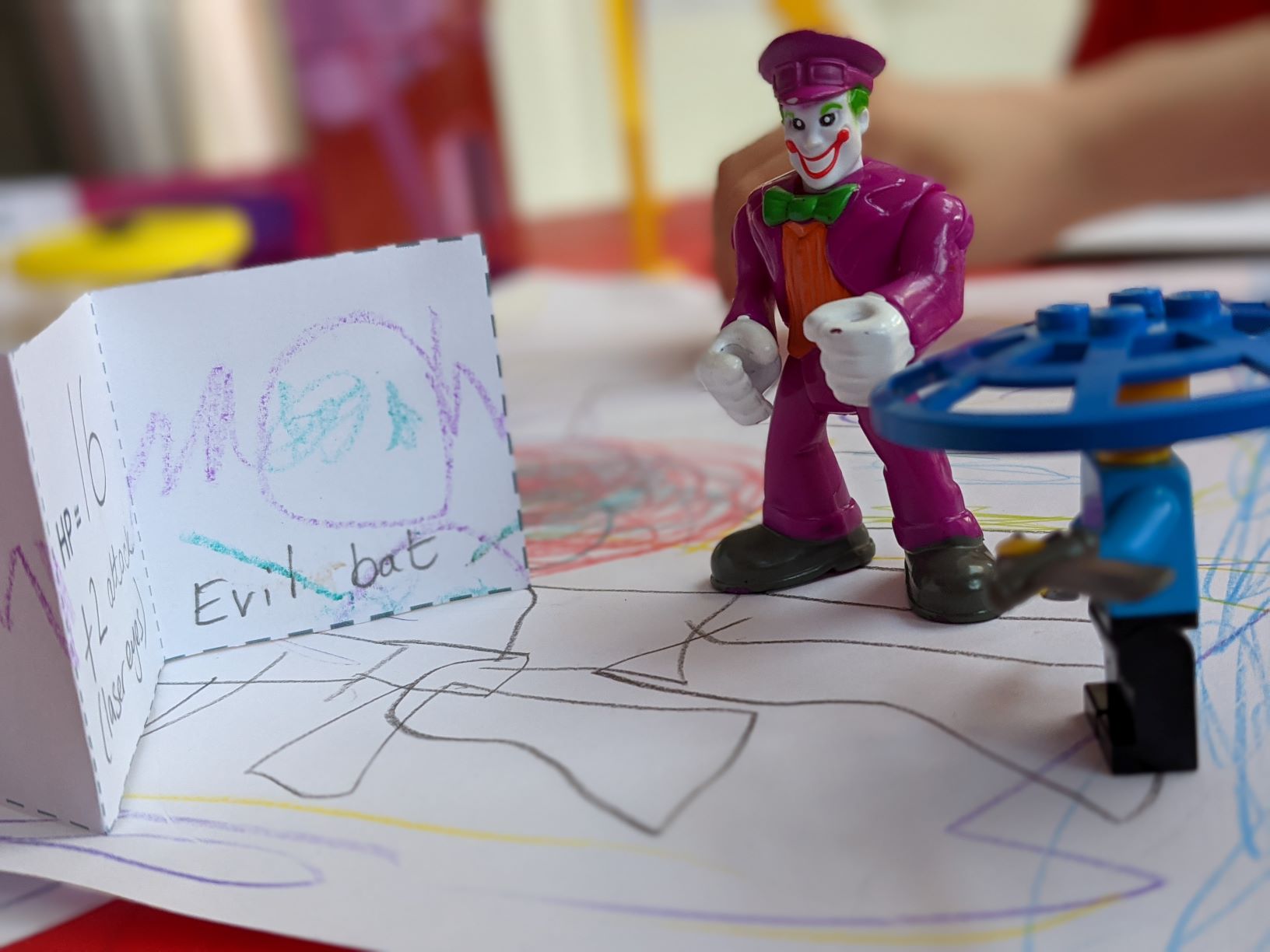
After playing through the adventure for the first time my five-year old was keen to set up his own dungeon maze using wooden blocks, he chose the monsters from the printed selection and we played again straight away!
3D Modelling
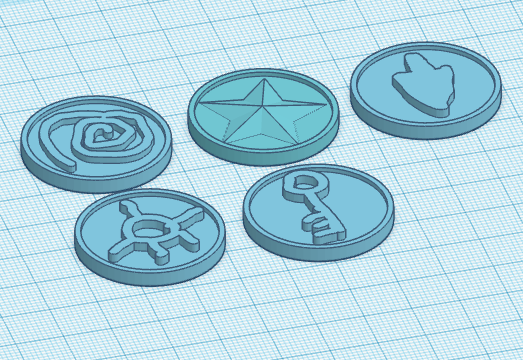
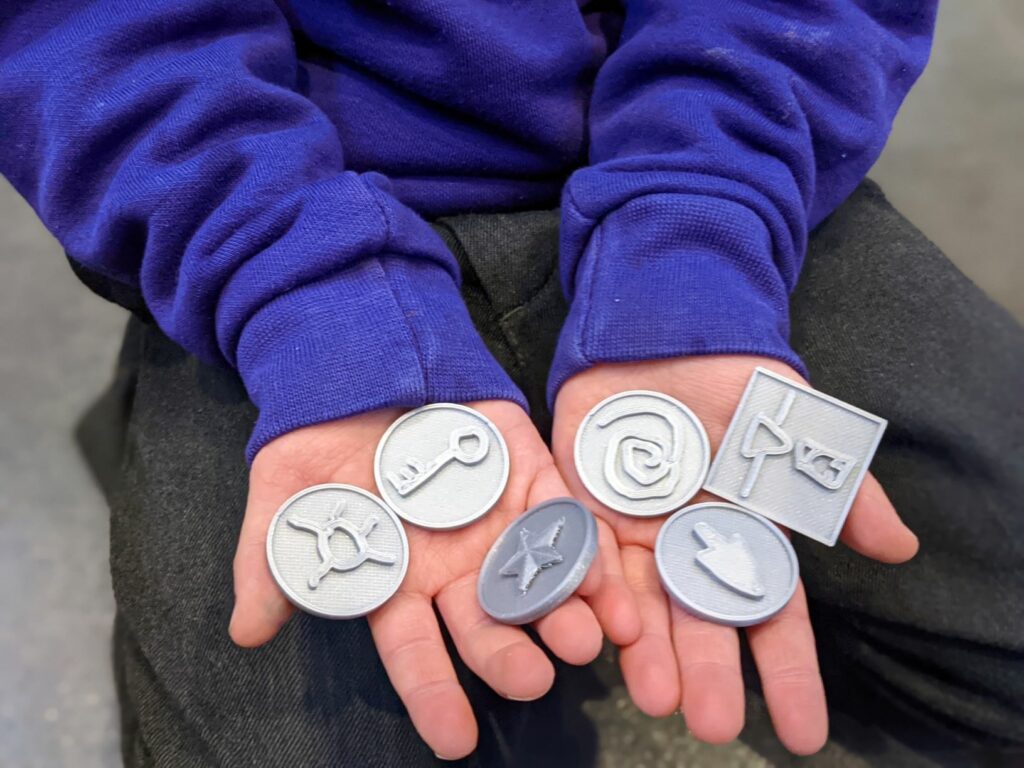
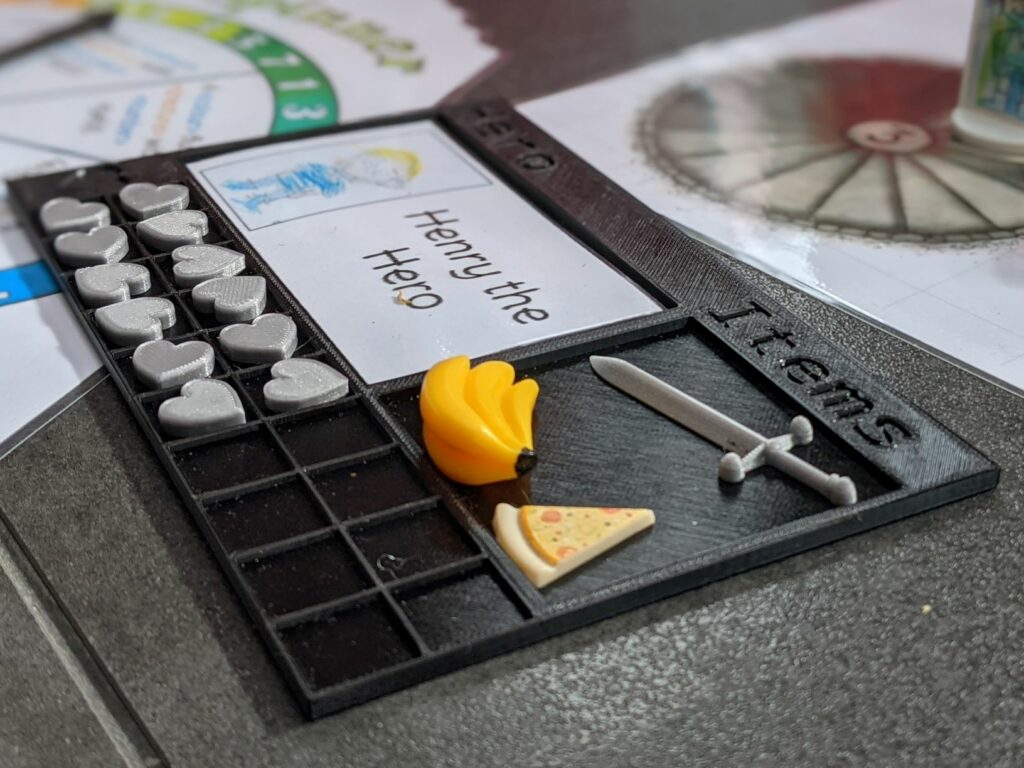
I couldn’t resist making the game a little more interesting and incorporating some Computing skills in the form of 3D modelling. I’ve been keen to introduce my oldest son to some simple 3D modelling after we purchased a 3D printer back in December so we decided to make 3D printed treasures which my son helped design using Tinkercad. I highly recommend Tinkercad as a starting point for 3D modelling with children, it works well in the browser both on a computer and a tablet, and was even accessible enough for my five-year-old to make some simple creations. He was so excited to be able to make something to print in 3D. He was really pleased with how these little tokens turned out and enjoyed assigning meanings to them in the game (for example, the dagger gives you +2 attack points and the key unlocks the dungeon at the end). I was also excited to be able to have something to design and print as I’d not had many opportunities to use the 3D printer, I also designed and created a player dashboard to store player information, items collected and health points which are little hearts. This was a really fun aspect to include in the project! (Although my three-year old cried the first time he had to relinquish some of his health points!)
Designing an adventure
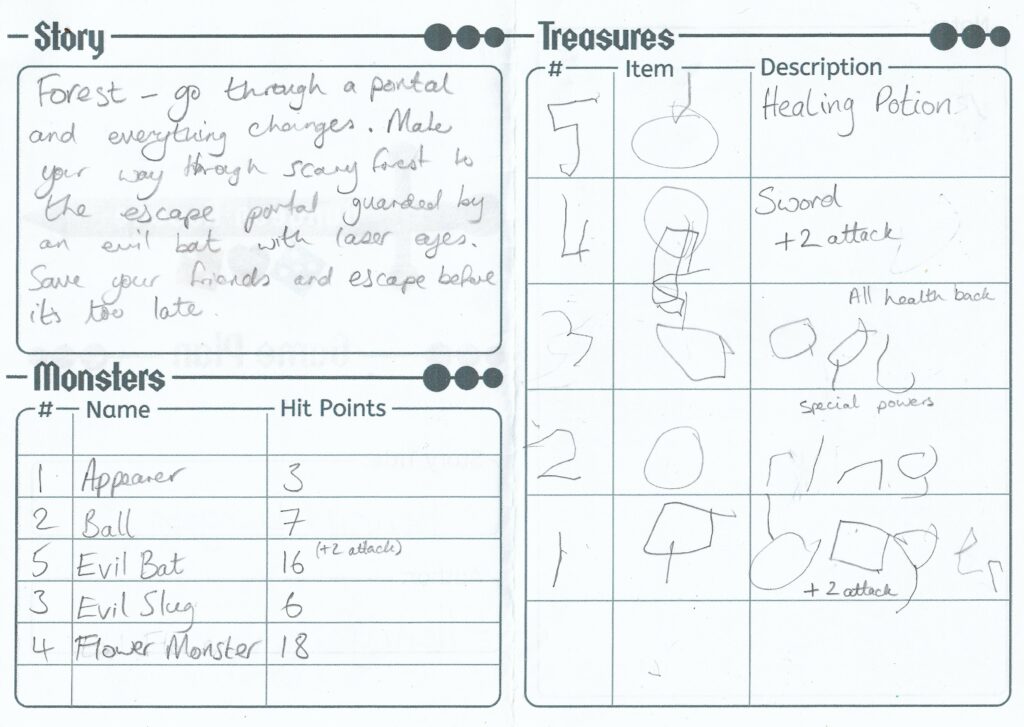
My son was very keen to design his own story to play through, complete with monsters and treasures so I put together a planning booklet for him to use to help plan out the adventure and monster design sheets to create the monsters around the dungeon. He still needs my help with much of the writing during the planning stages at the moment but he gets the concept of why it is important to plan the game and what to do. He very much enjoys inventing stories and this has provided a good opportunity to discuss features that make a good story! We’ve also moved on from building the dungeons with building blocks to creating drawn maps for players to work their way around instead. Both of my children love drawing so the map and monster creation have been very enjoyable for them.
The planning booklet is currently very simple as my son is only five but I can already see some expansion may be needed soon as our stories are getting more complex and I’m thinking we really need a separate sheet for each part of the adventure alongside space to sketch each area of the map. At the moment my son tries to sit down and draw a whole map to play on then gets frustrated as he doesn’t think about or plan it in his head first so it often doesn’t meet his expectations, having he opportunity to do a rough sketch of each area first separately would probably be very beneficial.
You can download version 1 of the planning booklet below. Version 2 will probably include the addition of a setting description (or drawing), flowchart, planning pages for both maps and story segments for each of the following:
Beginning – Introduction to the story: Where are you? Why are you there? What is the goal?
Middle – One or two areas with something to do to help achieve the goal (treasures, monsters, friends, puzzles etc.)
End – Usually a significant monster to defeat and/or door to unlock
I’m already seeing similarities with this and the game design documents I’ve used in the past when teaching computer game design. Here’s a download link for version 1 of the planning booklet, along with monster design and combat sheets:
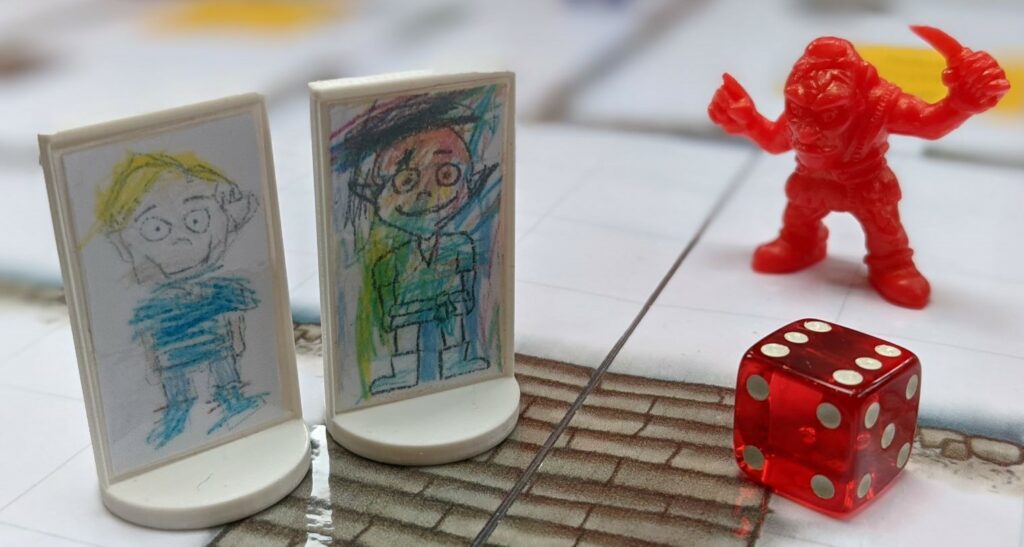
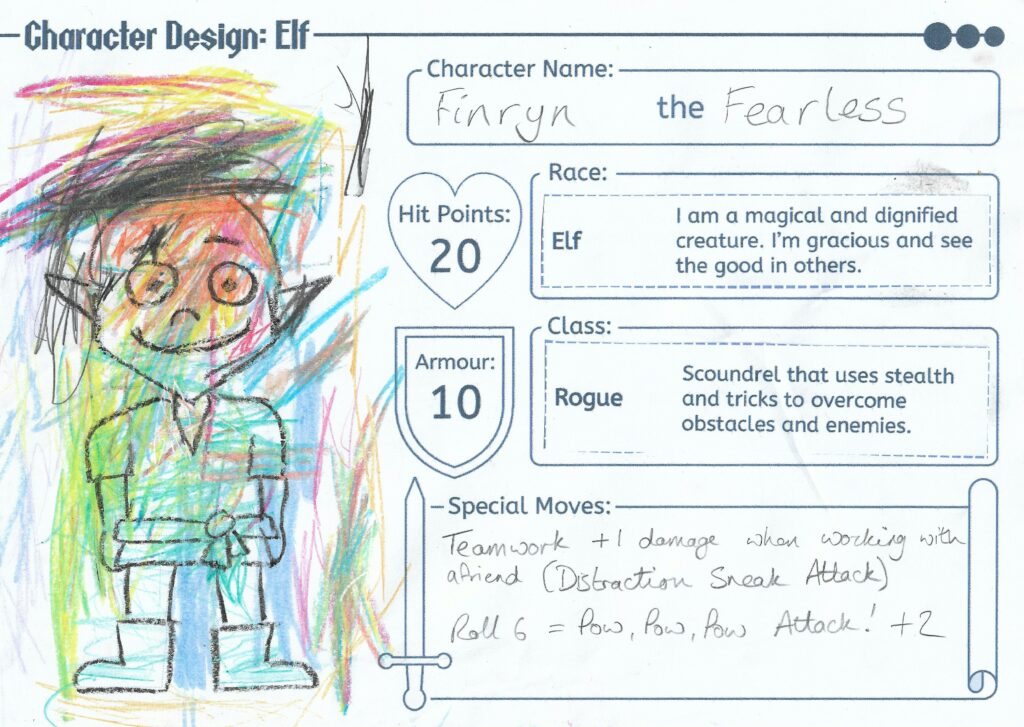
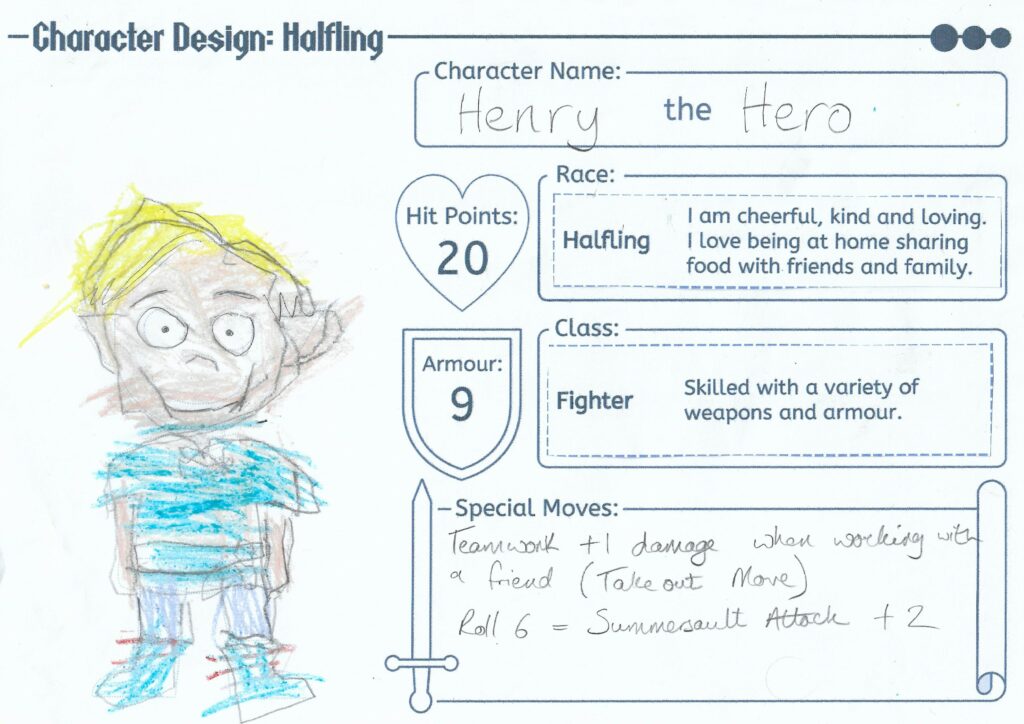
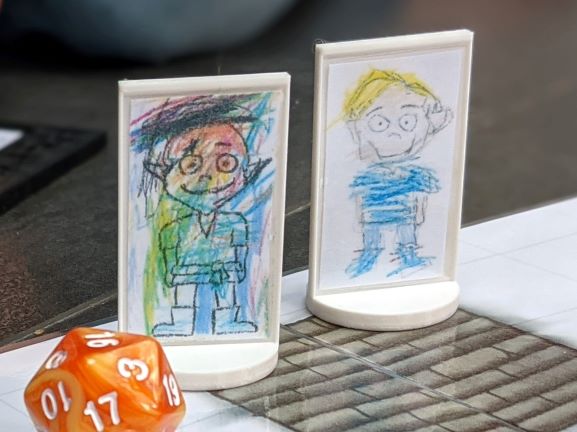
We’ve used a variety of different characters within our games so far; we began with Alien and Minion figures then progressed to Playmobil and Lego characters (complete with accessories!). As the boys are quite into role-play and drawing I decided I could use the 3D printer again to create some character pawns and help them to design their own characters properly to display in them. I referenced some D&D sites to look up common character types and their characteristics and used this to produce a character design sheet simple enough for young children to use, my youngest is a “rogue elf” called Finryn the Fearless. We ended up creating a family of characters including myself and my husband! This was a fun activity and the boys really liked seeing characters made themselves being played in the game!
If you fancy designing your own characters you can download the design sheets below:
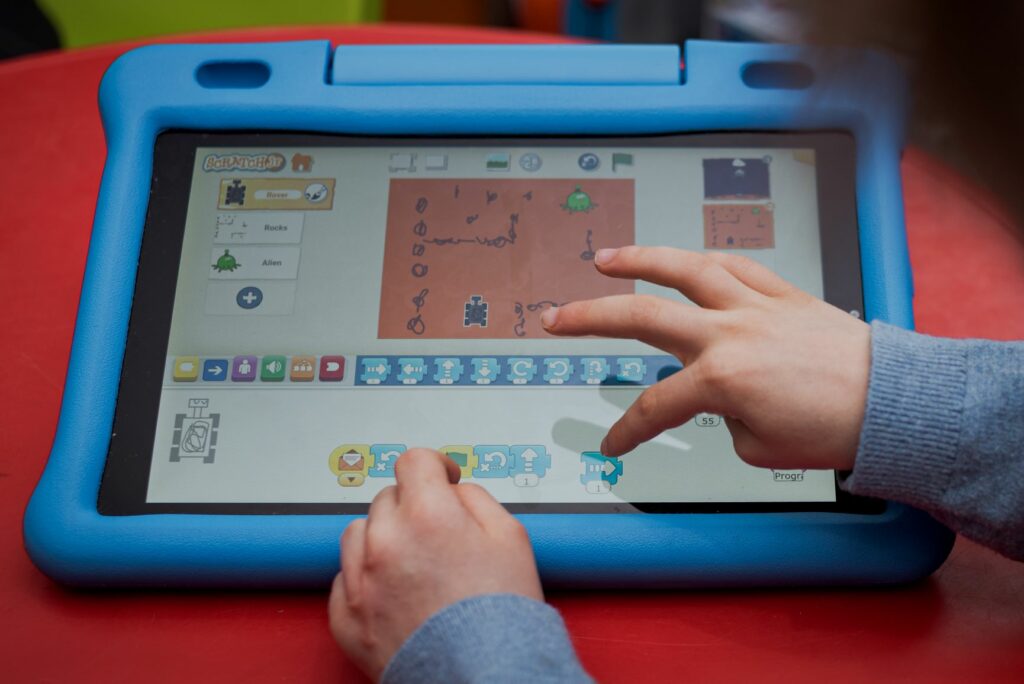
You’re probably wondering how any of this relates to Computing, well, I must admit, I had my “Computing Teacher” hat on at the beginning of this project. My son loves using Scratch Junior to create his own little stories and animations and when I came up with this idea, in addition to having a fun game to play I thought it would be a good way to introduce the concept of decision making and rules within an interactive story which is a great starting point for making a simple computer game. I mentioned already that I can see the similarities between designing an adventure for this system to computer game design documents, and in fact, I’ve had fun running a workshop in school previously working with children to create a roleplaying style game using Scratch. Now I’m not currently in the secondary school classroom my focus is around the early years age group and I discussed in a previous post how, at this stage, the algorithms aspect of computational thinking doesn’t need to be taught within a strict computing environment but rather by just the use of our language with children to introduce the basic concepts of:
Making things happen (giving general instructions) – Explain what your character is going to do.
Making decisions (if . . . then . . . else . . .) – “If I roll 4 or higher the monster runs away else he stays and attacks“
Repeating things (loops) – Roll – deduct hit points – repeat until the enemy is defeated
Knowing/remembering things (storing variables) – Keeping track of health and collecting items
As you can see, role playing games allow you to introduce these concepts in a very natural way. Just today my five-year-old played the role of Dungeon Master and explained: “IF you defeat this monster THEN you get the key and you can open the portal door.”
Reflections on Playing the Game
I’ve absolutely loved the evolution of our simple game system over the past few weeks, what started off as simply defeating monsters in a maze/dungeon now includes detailed descriptions of moves carried out, descriptions of the rooms they are in and made-up items they have collected! Both boys get very excited about describing parts of the story but need to be reigned in a little at times when trying to talk over one another!
Personally I have some particular highlights that have stuck in my mind recently:
The Bookcase – When I described a book case that opened into a giant cupboard my son revealed he found a book about all the monsters of the castle and how he could use it to give him extra information to help defeat them!
Robot Party Room (this was my favourite) – My oldest son found a sad robot that was “lonely in the corner of the room because the other robots wouldn’t play with him” so my son demonstrated a beautiful act of imaginary kindness and made friends with the robot who then joined the team to help with the quest.
Bats – In a room full of bats my son identified that bats don’t like light so got his new robot friend to emanate a bright light “like the sun” from his tummy to daze and knock out the bats when they started flying around erratically!
I’m really happy with how this initial concept has evolved from a simple Dungeons and Dragons style game to the inclusion of 3D design and printing, story-telling, writing and drawing. From here, we’ll continue to add detail and variety to our adventures. In terms of progression I’ve been looking at the Hero Kids RPG System which looks great with a large selection of adventures available to play. This starts to gradually introduce more complex gameplay so would be a natural next step. I’ve also looked at other off-the-shelf games which will probably feature on our future wish-lists, these being D&D Adventure Begins, No Thank You Evil and Stuffed Fable. If you have any more to add to the list drop me a comment below or tweet @GeekyNicki