
Playable Pictures is a piece of software which enables you to turn things from the real world into a playable platform level. Children can draw or build a level or even play through the live video feed in AR mode! (See below for instructions.)

INSTRUCTIONS
Draw or make your own level and either import an image or play over the camera feed.
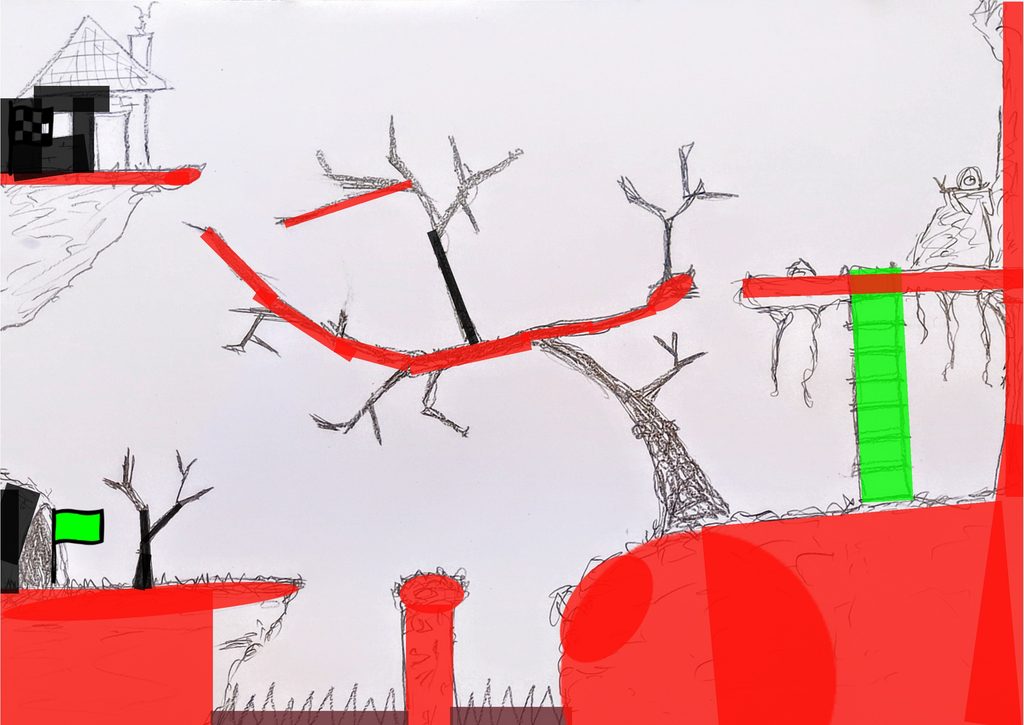
Use the tools to map out which parts of your level are solid, covered, deadly or climbable then hit the play button to try out your level!
Files are saved locally to your own browser. The save and load buttons, just save the mapping so no images are saved.
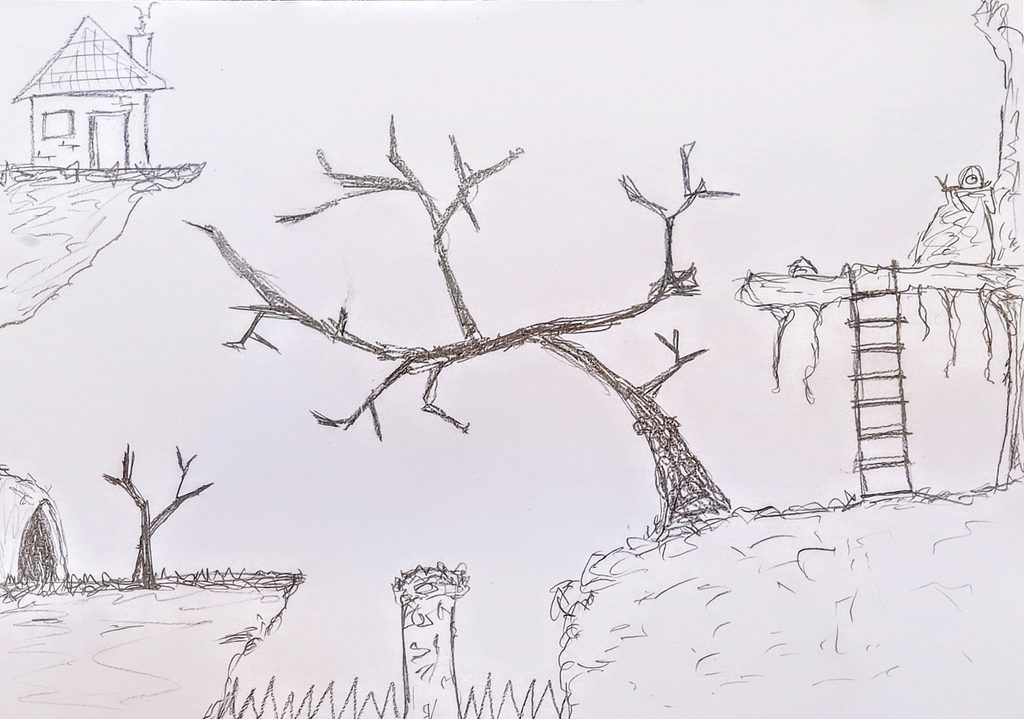
STEP 1
Draw or build your level and take a picture (the level’s playing area is the same aspect ratio of an A4 page):
STEP 2
Import into Playable Pictures and map out the different areas (solid, climbable, deadly, masked):
STEP 3
Press the play button to test out your level!